- Three new Gemini-powered tools launched specifically for India at Google Marketing Live 2026
- How Business Agent for Leads lets customers chat with your brand 24/7 inside Google Search ads
- Why YouTube BrandStack increased brand searches by 18.4% for real Indian companies
- Practical steps to set up AI agents for your small or medium business
What Are Google Gemini Agents for Business?
Google Gemini agents are AI-powered tools built into Google’s advertising and marketing platforms. Unlike basic automation that follows fixed rules, these agents use Gemini to understand natural language, learn from your business data, and take actions on your behalf. They are designed to act like a smart assistant who knows your products, your customers, and your goals.
At Google Marketing Live 2026, the company announced several agents specifically for Indian businesses. The most important one is the Business Agent for Leads. This agent lives inside your Search ad. When a potential customer clicks on your ad, instead of landing on a website, they start a conversation with an AI trained on your site content. This agent answers questions, qualifies the lead, and warms them up before passing the details to your sales team. It works 24 hours a day, 7 days a week. Companies like upGrad are already testing it in India.
Another key tool is YouTube BrandStack. This was built in India specifically for Indian advertisers. It combines campaign planning, buying, and measurement into one automated workflow. You tell it your goals in simple language, and it handles the rest. There is also AI Brief for Search campaigns, which lets you describe your campaign using everyday words, and Gemini generates ad previews and targeting automatically.
These tools are not just for large corporations. They are designed for business owners who do not have a dedicated marketing team. You can use them to automate repetitive tasks, catch leads at any hour, and put your advertising budget to better use. The days of needing to be a digital marketing expert are fading. Now you need to know how to set up and guide these agents.
Why Gemini Agents Matter for Indian Small Businesses
Indian consumers behave differently when shopping online. They research, compare, and ask questions. A recent study by Google found that Google and YouTube are present in 93% of consumer journeys when discovering a new brand or product in India. If your business is not available to answer those questions instantly, you lose customers to competitors who are.
24/7 Lead Qualification without Hiring
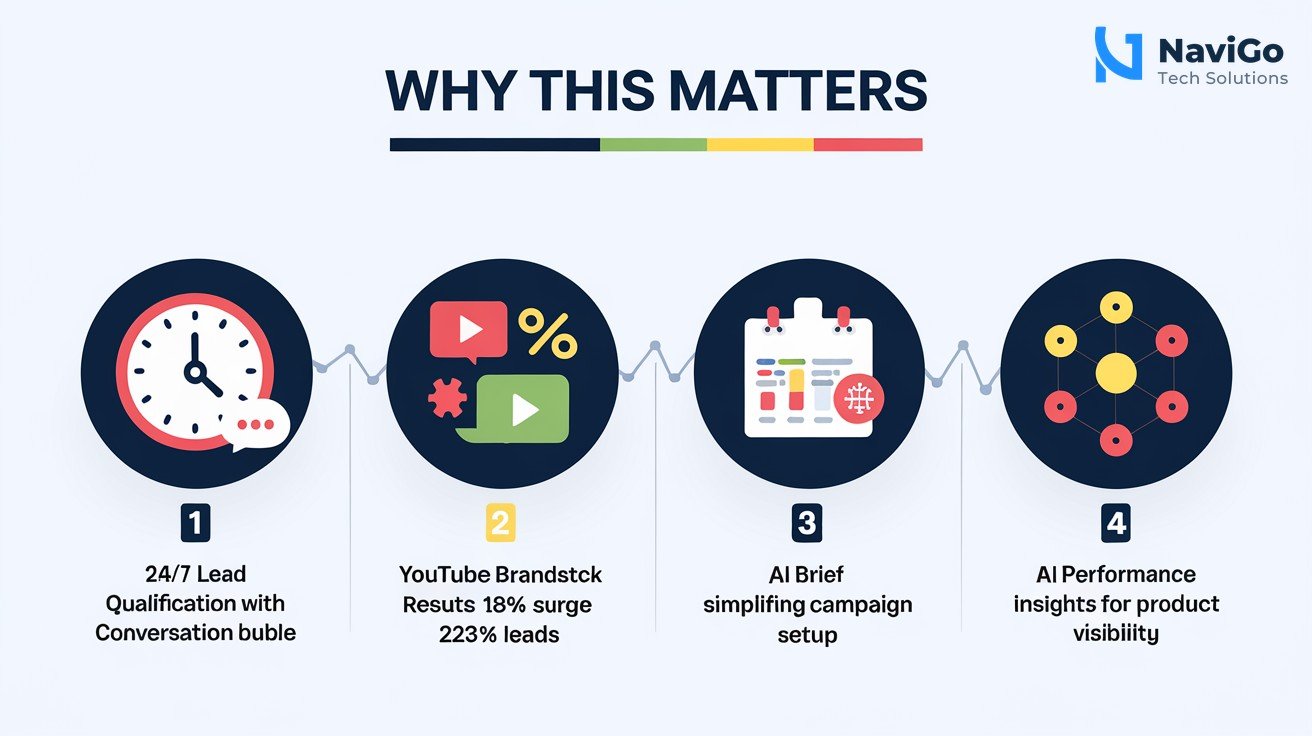
Hiring someone to answer customer queries around the clock is expensive, especially for small businesses in Chennai, Mumbai, or Delhi. The Business Agent for Leads changes this. It works like a virtual sales assistant that never sleeps. You provide your website, product catalogue, or service pages, and the agent learns from them. When a visitor engages with your ad, the agent asks qualifying questions, answers doubts about pricing or delivery, and sends only ready-to-buy leads to your phone or email. You pay for the ad, but you skip the cost of a full-time employee.
Better Results on YouTube and Search
Numbers from the launch show how effective these tools are. When Axis Max Life Insurance used YouTube BrandStack alongside Connected TV campaigns, they saw an 18.4% surge in brand search queries and captured 23% high-quality leads. Cars24 used Attributed Branded Searches — another new metric — to measure upper-funnel YouTube Shorts and CTV ads. They drove a 2X surge in incremental searches with a 7% better cost per acquisition. These are real Indian brands getting measurable results.
Simplified Campaign Management
Most business owners we speak with at NaviGo Tech Solutions tell us they find Google Ads confusing. Bid strategies, keyword matching, audience segments — it is a lot to learn. With AI Brief, you describe what you want in plain English. For example, “I sell organic spices in Chennai, target women aged 25-45 interested in healthy cooking.” Gemini turns that into a campaign. This reduces the need for technical expertise and saves hours each week.
Understanding How AI Views Your Products
Newer tools like AI Performance Insights in Merchant Center show exactly how your products appear in AI Mode, AI Overviews, and the Gemini app. This helps you know if your products are being recommended by Google’s AI. For e-commerce businesses in India, this is vital. The days of simple keyword matching are ending. AI agents will search and recommend products based on conversational attributes. You need to adapt to stay visible.
Step-by-Step: How to Set Up Gemini Agents for Your Business
You do not need a big budget or a technical background to start using these agents. Follow these steps to set up the most impactful tools right now.
- Step 1: Create or Optimise Your Google Ads Account — Make sure your account is active and linked to a verified website. If you run an e-commerce store, connect your Merchant Center feed. If you are a service provider, ensure your landing pages have clear contact forms and product details. This data feeds the Gemini agent.
- Step 2: Enable Business Agent for Leads in Search Campaigns — In your Google Ads account, open the campaign of your choice. Under the “Assets” or “Conversations” tab, look for the Business Agent option. Turn it on and select the source of training data (your website or feed). The agent will start learning from your content. Within 24 hours, it can begin interacting with users. This is currently available in beta in India.
- Step 3: Set Up YouTube BrandStack for Video Ads — Navigate to the YouTube Ads section in Google Ads. Look for the BrandStack tab. Enter your campaign goal in natural language — for example, “Get more people to visit my store in Chennai” or “Sell 100 units of my new product.” BrandStack will automatically plan the audience, buy placements, and set up measurement. It was built for Indian advertisers, so it understands local languages and cultural trends.
- Step 4: Use AI Brief for Search Campaigns — Inside your Search campaign settings, click “AI Brief.” Type your marketing goal in everyday language. Add guardrails, such as budget limits or brand tone preferences. Gemini will generate ad copy, keywords, and bidding strategies. Review and launch. You can refine it later based on performance data.
- Step 5: Monitor Performance with New Metrics — Use Attributed Branded Searches to measure how your YouTube ads drive direct brand searches. Check AI Performance Insights in Merchant Center to see if your products are showing up in Gemini answers. Adjust your product titles and descriptions to be more conversational, adding words like “easy to use,” “for beginners,” or “delivered fresh.”
Once set up, these tools learn and improve over time. The more data they get, the better they perform. Review them every two weeks and adjust your goals. This is not a set-and-forget system; it is a partnership between you and the AI.
If you need help setting up these campaigns, consider working with experts who understand both the tools and the Indian market. At Navigho Tech Solutions, we offer AI strategy consulting and AI Ads and automation to help you get started.
Common Mistakes to Avoid with AI Agents
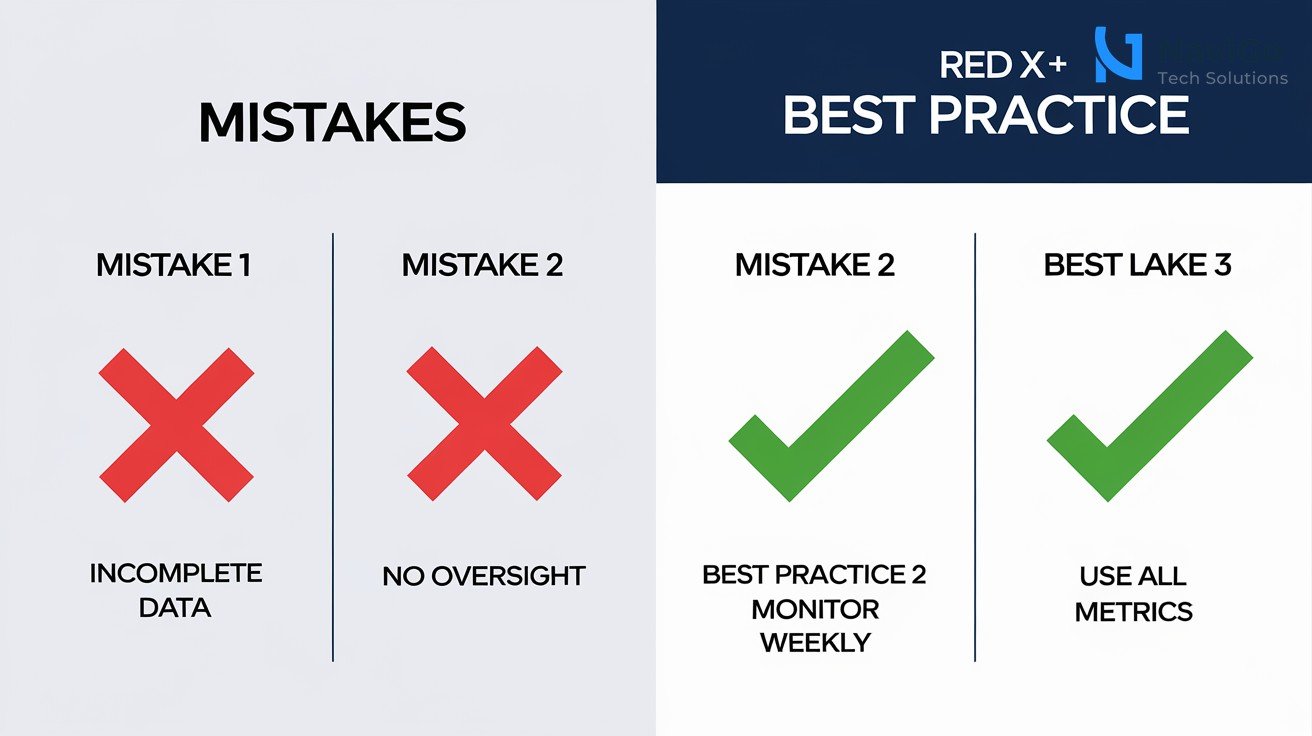
Even the best tools can fail if used the wrong way. Here are three mistakes Indian business owners often make when adopting Gemini agents.
Mistake 1: Using Incomplete or Outdated Data
Your Business Agent for Leads learns from your website. If your website has broken links, old prices, or missing product descriptions, the agent will give wrong answers. A customer might be told a product is available when it is not, or quoted a price that has changed. This destroys trust. Before enabling the agent, do a full audit of your site. Update pricing, remove out-of-stock items, and write clear product descriptions. This also helps your overall SEO optimization.
Mistake 2: No Human Oversight in the First Month
AI agents learn from interactions. In the first month, they may make mistakes or misunderstand customers. Some business owners trust the agent fully from day one and miss important feedback. You should read the conversation logs every day for the first two weeks. Look for patterns where the agent gives wrong answers or fails to qualify leads properly. Adjust the training data or add guardrails in AI Brief. Once the agent shows consistent accuracy, you can reduce oversight to weekly checks.
Mistake 3: Ignoring New Metrics Like Attributed Branded Searches
Many advertisers still look only at clicks and conversions. That is old thinking. With AI agents, you need to measure how they affect brand awareness and customer trust. Attributed Branded Searches shows how many people searched for your brand after seeing a YouTube ad. If this number is low, your ad creatives or targeting may be wrong. Use this metric to refine your strategy. Similarly, check AI Performance Insights to see if your products appear in AI answers. If not, rewrite your product titles to be more descriptive.
Google Gemini Tools Comparison: What to Use and When
With many new tools, it is easy to get confused. The table below breaks down the main Google Gemini-powered agents and tools launched for Indian businesses in 2026. Use it to decide which tool fits your business goal.
| Tool Name | What It Does | Best For | Availability |
|---|---|---|---|
| Business Agent for Leads | AI chatbot inside Google Search ads that qualifies and warms up leads 24/7 | Service businesses and e-commerce stores wanting more qualified leads | Beta in India |
| YouTube BrandStack | All-in-one planning, buying, and measurement for YouTube campaigns | Brands running video ads, especially on Connected TV | Live in India |
| AI Brief | Natural language tool that creates Search ad campaigns from your description | Small businesses without marketing teams | Beta rollout |
| AI Max for Shopping | AI-powered Shopping campaign that uses Merchant Center data deeply | E-commerce stores with product feeds | Live |
| Asset Studio | Generates multiple ad creatives from your brief, guidelines, and website | Businesses needing quick, varied ad assets | Live |
| AI Performance Insights | Shows how your products perform in AI Mode, AI Overviews, and Gemini app | Merchants wanting to appear in AI search results | Coming months |
Each tool serves a different purpose. Start with Business Agent for Leads if your main need is generating more qualified sales conversations. Use YouTube BrandStack if you want to build brand presence efficiently. For complete automation of your marketing campaigns, consider combining multiple tools with expert guidance. Our AI Digital Marketing service at NaviGo Tech Solutions can help you integrate these agents into your existing workflows.
Not sure which tool fits your business?
Our team at NaviGo Tech Solutions will set it up for you — free 30-minute strategy call.