
- The difference between WhatsApp Business, the API, and automation tools
- How Indian small businesses are using automation to respond instantly, recover abandoned carts, and follow up on leads
- A clear, numbered setup process even if you have never used a chatbot before
- The most common mistakes that kill your WhatsApp automation results, and how to avoid them
What Is WhatsApp Automation and How Does It Work?
WhatsApp automation means using software to send, receive, and manage WhatsApp messages without doing it manually every time. Instead of you typing “Thank you for your enquiry, we will get back to you shortly” forty times a day, a bot or automated workflow does it for you, instantly, accurately, and at any hour.
There are three layers to understand here. First, there is the free WhatsApp Business app, which lets you set up a business profile, add quick replies, and send automated welcome or away messages. This is good for very small operations but limited in what it can do. Second, there is the WhatsApp Business API, which is the proper solution for automation. The API connects your WhatsApp number to third-party platforms, allowing you to build chatbots, set up drip campaigns, trigger messages based on customer actions, and integrate with your CRM or e-commerce store. Third, you have the automation platforms themselves, tools like Wati, Interakt, AiSensy, Wapikon, and LeadsLoom that sit on top of the API and give you a usable interface.
Here is a simple example. A saree shop in Chennai runs a Facebook ad. Someone clicks the ad and lands on a WhatsApp chat. Within three seconds, they get a welcome message, a catalogue link, and a question asking what occasion they are shopping for. Based on their reply, the bot sends relevant product images. If the person does not reply within 24 hours, a follow-up message goes out automatically. No human involvement needed until the customer says “I want to buy this.” That entire sequence is WhatsApp automation in action.
The important distinction is that automation does not replace your team , it handles repetitive, time-sensitive tasks so your team can focus on conversations that actually need a human touch, like closing deals or resolving complaints.
Why WhatsApp Automation Matters for Indian Small Businesses in 2026

India Has Over 500 Million WhatsApp Users, and They Prefer It

India is the largest WhatsApp market in the world. Your customers are already on it, they already trust it, and they already use it to communicate with family, friends, and increasingly, businesses. WhatsApp messages in India see open rates of over 90%, compared to email open rates that typically sit below 25%. When you send a message on WhatsApp, it gets read. That alone makes it the most powerful communication channel available to any Indian small business owner right now.
AI-Powered WhatsApp Bots Are Now Affordable for Small Businesses
As recently as 2023, setting up a WhatsApp chatbot required a developer, a significant budget, and weeks of work. That has changed completely. Platforms like LeadsLoom, which launched its AI WhatsApp chatbot sales automation platform in India in early 2026, and Wapikon, which has now empowered over 5,000 businesses, have made it possible for a shop owner with no technical background to set up a working automation in a single afternoon. India-based AI startup Emergent also launched its Wingman AI Agent for WhatsApp in 2026, bringing conversational AI directly into the messaging layer. The costs have dropped, the tools have improved, and the barrier to entry is genuinely low.
Meta Is Actively Building More Business Tools Into WhatsApp
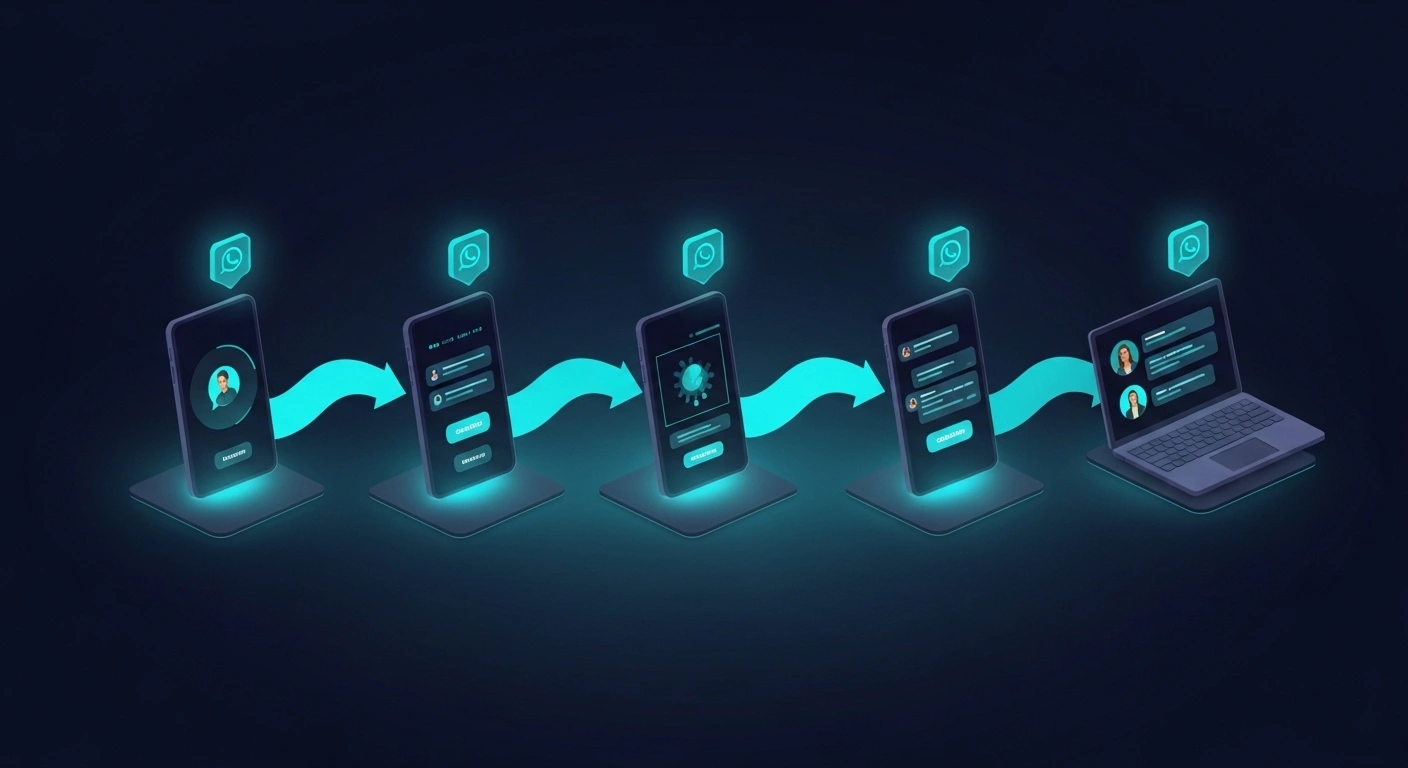
Meta announced a wave of new tools for WhatsApp Business in late 2025, specifically designed to help businesses boost engagement, improve customer support, and increase discoverability. This included better catalogue integrations, improved payment flows, and enhanced broadcast features. Meta is clearly committed to making WhatsApp a primary commerce and communication channel for businesses globally, and India is central to that strategy. Getting set up now means you benefit from every new feature as it rolls out.
Your Competitors Are Already Doing It
Automation tools that once required enterprise budgets are now used by local coaching institutes, home bakers, fitness trainers, and textile traders. If a competitor in your city is responding to leads within 30 seconds using automation while you are replying six hours later, you are losing those customers. The gap between businesses that use WhatsApp automation and those that do not is widening every month in 2026.
How to Set Up WhatsApp Automation: Step-by-Step
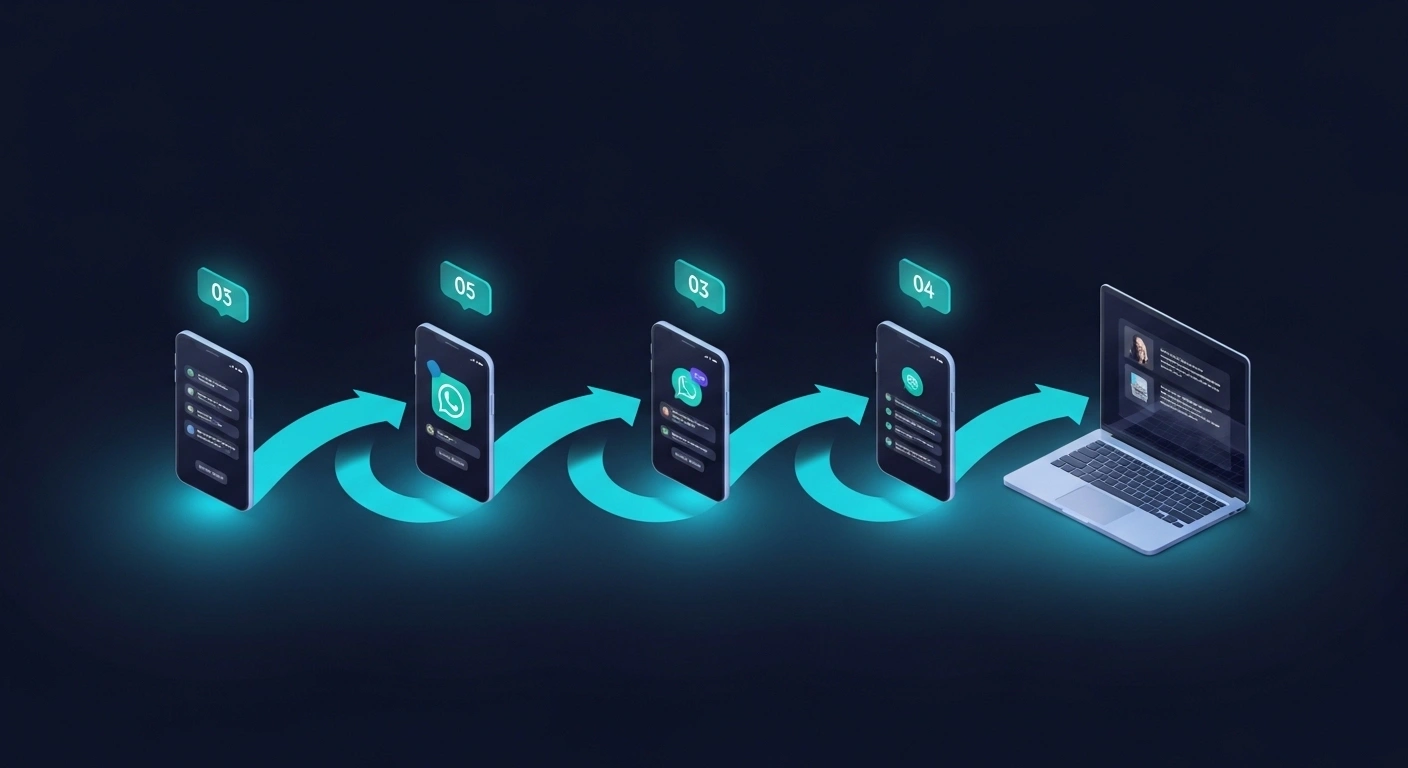
- Step 1: Get a Dedicated Business Phone Number. Do not use your personal number for WhatsApp Business automation. Get a separate SIM or a virtual number specifically for your business. This keeps things clean, professional, and manageable. Once you set up the API on a number, you cannot use that number on the regular WhatsApp app anymore, so the separation matters from day one.
- Step 2: Choose a WhatsApp Business API Provider. You access the WhatsApp Business API through an official Meta Business Solution Provider (BSP). In India, popular BSPs include Wati, Interakt, AiSensy, and Gupshup. Compare their pricing, the number of free conversations included, and whether they offer Hindi or regional language support if you need it. Most offer a free trial, so test before you commit.
- Step 3: Set Up Your Business Profile Properly. Add your business name, category, address, website, and a clear description. Upload a proper logo as your profile picture. A complete profile builds trust, customers are more likely to engage with a verified-looking business account than a blank one. Enable the green tick verification process once your account is active.
- Step 4: Map Out Your Customer Journeys Before Building Anything. Before you touch the automation tool, write down on paper what you want to happen. What message does a new enquiry receive? What happens if they do not reply? What if they ask for pricing? What triggers a human to take over? Having this map ready makes building the automation ten times faster and reduces mistakes significantly.
- Step 5: Build Your First Automation: Start Simple. Begin with three basic automations: a welcome message for new contacts, an away message for out-of-office hours, and a follow-up message for leads who went quiet after 24 hours. Get these working well before you add complexity. A simple automation that works is far more valuable than a complex one that breaks.
- Step 6: Create Approved Message Templates for Outbound Messages. When you initiate a conversation with a customer (rather than them messaging you first), WhatsApp requires you to use pre-approved message templates. Write clear, non-promotional templates and submit them for Meta approval through your BSP. Approval usually takes a few hours to a day. Keep the language natural and useful, not salesy, or they will get rejected.
- Step 7: Integrate With Your Existing Tools. Connect your WhatsApp automation to wherever your leads come from, your website enquiry form, your Facebook or Instagram ads, your Google Business profile, or your Shopify store. Most BSPs offer native integrations or Zapier connections that make this straightforward. This is where the real power kicks in, because every touchpoint now feeds into one automated system.
- Step 8: Test Everything Before Going Live. Send test messages to yourself and a colleague. Check every automation path. Make sure the replies make sense, the timing feels right, and nothing looks robotic or broken. A bad first impression on WhatsApp is hard to recover from since customers will simply stop replying.
Common Mistakes That Hurt Your WhatsApp Automation

Sending Too Many Messages Too Quickly

One of the fastest ways to get your WhatsApp Business account flagged or banned is to bombard contacts with messages. Meta monitors how often customers report or block your number. If you send five messages in a day to someone who did not ask for them, you are going to see complaints stack up quickly. Set up your automation to space messages out sensibly, one welcome message, one follow-up after 24 hours, and perhaps one more after 48 hours if there is still no response. After that, stop the automated sequence and let it rest. Quality and timing beat volume every single time.
Using Generic, Copy-Paste Messages That Feel Like Spam
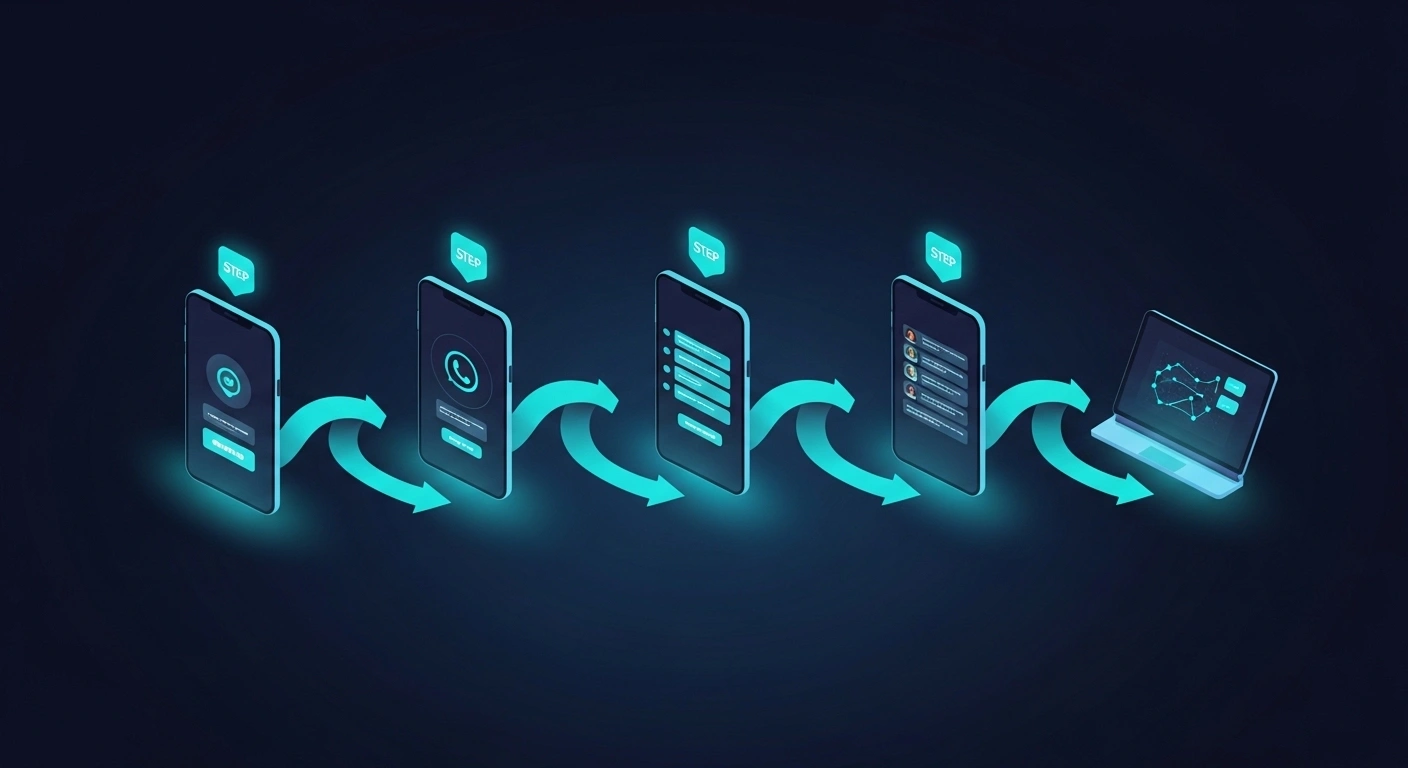
If your automated message reads like a brochure, people will ignore it. Indian customers respond much better to conversational, warm language. Instead of “Dear Customer, we are pleased to inform you about our latest offers,” try “Hi Priya, noticed you were checking out our kurta collection, want me to send you the new arrivals?” Use the customer’s name, reference what they were interested in, and keep the tone human. The tools support personalisation tokens that pull in names and other details automatically, so use them.
Not Having a Clear Hand-Off to a Human Agent
Automation should handle the first layer of communication, not the entire relationship. If a customer has a complaint, a complex question, or is ready to make a large purchase, they need to speak to a real person. Set up your automation to recognise trigger words like “problem,” “complaint,” “call me,” or “urgent” and immediately route that conversation to a live team member. Failing to do this damages trust and costs you sales. Our AI Agents and Bots service helps businesses build exactly this kind of intelligent hand-off system.
Ignoring Analytics and Never Optimising
Most WhatsApp automation platforms give you data on message delivery rates, open rates, reply rates, and drop-off points in your bot flows. Many small business owners set up automation once and never look at these numbers again. If 70% of people are dropping off after your second message, that message needs to change. Check your analytics at least once a fortnight and make small adjustments. This is the same discipline that applies to any good digital marketing effort, and if you want a broader view of how to build a data-driven marketing strategy, our AI Ads and Automation service covers this end to end.
Not Getting Proper Opt-In Consent From Customers
WhatsApp’s policy requires that you only message people who have explicitly agreed to receive messages from your business. This is not just a rule, it is good practice. Customers who opted in are far more likely to engage. Add a WhatsApp opt-in checkbox to your website enquiry form, mention it clearly in your Instagram bio, or use a Click-to-WhatsApp ad where the very act of clicking is consent. Building a clean, consented list from the start protects your account and gives you better results.
Top WhatsApp Automation Tools Available in India: Compared
The market for WhatsApp automation tools in India has grown significantly. Platforms now range from simple broadcast tools to full AI-powered sales agents. Brevo’s 2026 roundup of the best WhatsApp marketing software highlights how diverse the options have become, and Indian-specific platforms are increasingly competitive with global ones. Here is a side-by-side look at the most relevant options for Indian small businesses.
| Tool | Best For | Starting Price (India) | Key Features |
|---|---|---|---|
| Wati | Growing SMEs needing CRM integration | ~₹2,499/month | Team inbox, chatbot builder, Shopify integration, broadcast campaigns |
| Interakt | E-commerce businesses on Shopify or WooCommerce | ~₹2,787/month | Abandoned cart recovery, order notifications, multi-agent support |
| AiSensy | Businesses wanting affordable broadcast messaging | ~₹999/month | Bulk broadcasts, live chat, campaign analytics, Zapier support |
| Wapikon | Micro businesses and first-time automation users | ~₹599/month | Simple bot builder, catalogue sharing, quick replies, Hindi support |
| LeadsLoom | Sales-focused businesses wanting AI lead qualification | Custom pricing | AI chatbot, lead scoring, WhatsApp sales funnel, CRM sync |
| Gupshup | Larger businesses needing enterprise-grade API access | Pay-per-conversation | High-volume messaging, multilingual bots, rich media support |
Choosing the right tool depends on your business size, your budget, and what you actually need automation to do. If you are an early-stage business, start with AiSensy or Wapikon to learn the basics without a big spend. If you are running an e-commerce store, Interakt’s abandoned cart recovery alone can pay for itself in a week. For businesses that want a custom-built AI-powered WhatsApp agent that integrates with their full marketing stack, working with a specialist agency is the faster, smarter route. You can see how we approach this kind of build in our AI Agents and Bots service page , or explore how automation fits into a broader growth strategy through our guide to the top 25 AI tools in 2026.