- Why traffic volume does not matter if your website is not built for conversion
- The most common mistakes Indian SMBs make on their websites
- How to fix your website speed, mobile layout and call-to-action
- How local SEO and AI-assisted marketing bring qualified leads
What “Website Not Getting Leads” Really Means
When a business owner says their website is not getting leads, they often mean one of two things. Either nobody is visiting the site at all, or people visit but do not take action. Both are serious problems, but they need very different fixes.
Low traffic usually points to visibility issues. Your website may not rank on Google for the search terms your customers use. Your social media posts may not be driving clicks. Or your paid ads may be poorly targeted. The solution here is search engine optimisation, local SEO, and better ad campaigns.
Low conversion is a different beast. You have visitors, but they leave without enquiring, calling, or buying. This often happens because your website is slow, confusing, or looks untrustworthy. According to a recent DesignRush report, 70% of small and medium businesses lose leads due to one critical mistake: they do not have a clear call-to-action above the fold. The visitor lands, does not know what to do next, and leaves.
In India, the stakes are higher. Your competitor down the road is probably running Google Ads for the same keywords. If your website loads in 6 seconds and theirs loads in 2, they win the customer. Every second matters when attention spans are shrinking.
5 Main Reasons Your Website Fails to Generate Leads
1. Your Website Is Too Slow on Mobile
Over 80% of Indian users browse on mobile phones, often on 4G or 5G networks. If your website takes more than 3 seconds to load, most visitors will bounce. Google also uses mobile speed as a ranking factor. A slow site damages both your traffic and your conversion rate. Compress your images, use a faster hosting provider, and enable browser caching. These three fixes alone can cut load time dramatically.
2. No Clear Call-to-Action (CTA)
A visitor lands on your homepage. What should they do next? If you do not tell them, they will leave. Every page needs one clear CTA, whether it is “Call Now”, “Get a Free Quote”, or “WhatsApp Us”. The CTA should be visible without scrolling. Use a button in a contrasting colour, not a plain text link.
3. You Are Not Using Local SEO
If you run a bakery in Chennai, you do not need customers from Delhi. You need people searching for “bakery near me” in your area. Optimising your website for local keywords, embedding a Google Map, and keeping your Google Business Profile updated are essential. Our detailed guide on local SEO for Chennai businesses explains exactly how to rank for nearby searches.
4. Your Content Does Not Answer Customer Questions
People do not search for “best plumber”. They search for “how much does it cost to fix a leaking tap”. Your website needs content that answers real questions and shows your expertise. Publish blog posts, FAQs and service pages that talk about your customers’ problems, not just your services.
5. You Are Not Using AI to Capture and Follow Up Leads
Google has rolled out new AI tools in India that help businesses capture and manage leads. Tools like Google’s Business Agent for Leads can handle initial conversations with your customers on autopilot. As a full-service digital agency using AI agents, we have seen clients double their enquiry rates simply by adding an AI chatbot to their site. The bot answers questions at 2am when your team is asleep, and captures the lead for follow-up in the morning.
6. Your Website Looks Outdated or Untrustworthy
In 2026, people judge your business by your website. If your site looks like it was built in 2010, visitors assume your service is equally outdated. Add customer testimonials, guarantee badges, and your physical address. Show your GST number and business registration. Simple trust signals can lift conversions by 30% or more.
Step-by-Step Guide to Fix Your Website for Leads
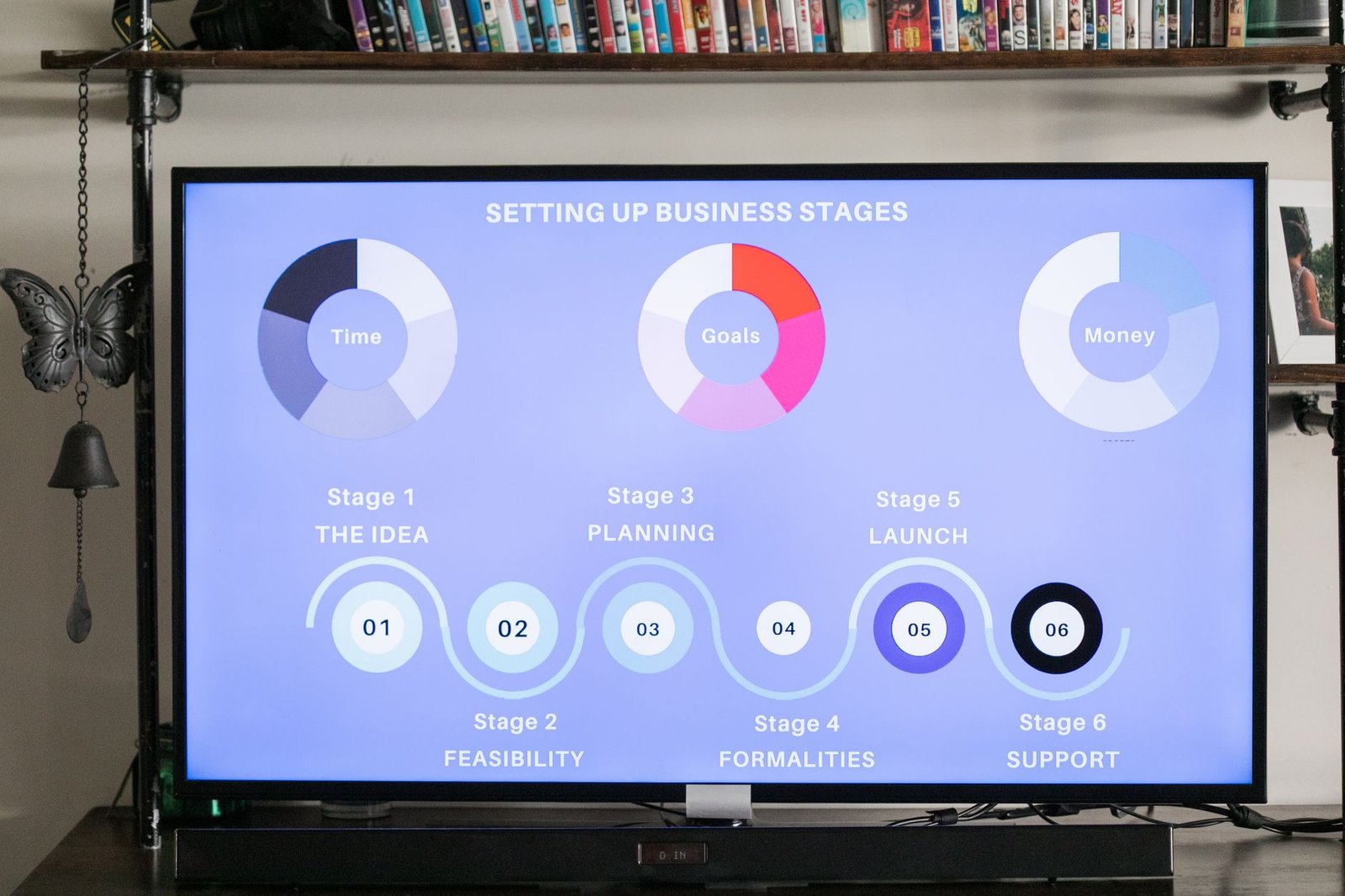
Do not try to fix everything at once. Follow this sequence and you will see measurable improvements within 30 days.
- Step 1: Audit your current website speed. Use Google PageSpeed Insights. If your score is below 70, your site is losing leads. Compress all images to WebP format, enable lazy loading, and move to a good hosting provider like Hostinger or Cloudways if you are on cheap shared hosting.
- Step 2: Add a clear CTA above the fold. Your homepage header should have a button that says “Call Now” or “Get Free Quote”. If you have a Whatsapp Business account, use that link. Indian customers are more comfortable on WhatsApp than on email. Make the CTA stand out with a strong colour like orange or green.
- Step 3: Fix your mobile layout. Open your site on a real phone. Check that the text is readable, buttons are easy to tap, and forms are not cut off. If you have pop-ups that cover the screen, remove them. Google penalises intrusive pop-ups on mobile.
- Step 4: Update your Google Business Profile. This is free and it is the fastest way to get local leads. Add your services, opening hours, photos, and ask happy customers to leave reviews. Respond to every review, good or bad. This builds trust and boosts your ranking in the map pack.
- Step 5: Rewrite your service pages. Each service should have its own page. Write 500 words or more about what the service includes, who it is for, and how you deliver it. Use a “Book Now” button at the top and bottom of each page. Include your phone number in the footer of every page.
- Step 6: Install an AI chatbot. Use tools like Tidio, Tawk.to, or Google’s Business Agent to capture leads after hours. Set up automated replies for common questions like pricing, availability, and location. Make sure the bot hands off to a human during your working hours.
- Step 7: Start a weekly blog. Write about problems your customers face. For example, a property consultant can write “How to Verify a Title Deed in Chennai in 2026”. This attracts search traffic and builds authority. Publish one post per week for at least 3 months.
If this feels like too much to handle on your own, consider working with a digital marketing agency in Chennai. A professional team can handle the technical fixes while you focus on running your business.
Common Mistakes to Avoid When Fixing Your Website
Focusing Only on Traffic, Not Conversion
Many business owners buy more ads when their website is not converting. That is like pouring water into a leaking bucket. A recent Bdaily report confirmed that more traffic is not always the answer for B2B firms. Before spending more money on ads, fix your landing pages. Get your conversion rate above 2% first, then scale your traffic.
Ignoring the Speed of Your Competitors
Your competitor’s site may load in under 2 seconds. If yours takes 5 seconds, you will lose the lead every single time. Speed is not a luxury in 2026. It is a basic requirement. Use tools like GTmetrix to check your competitor’s speed, then match or beat it.
Using a Generic Contact Form
A long form with 10 fields will scare away leads. Ask only for name and phone number. Better yet, use a click-to-call button or a WhatsApp link. Indian users prefer direct communication over filling forms. DesignRush found that the “one critical mistake” that costs 70% of SMBs their leads is the absence of a quick contact option.
Neglecting Your Google Reviews
Over 90% of consumers read reviews before choosing a local business. If you have only 2 reviews and your competitor has 200, people will pick your competitor. Encourage every happy customer to leave a Google review. Send a WhatsApp message with a direct review link after every sale.
Not Tracking Anything
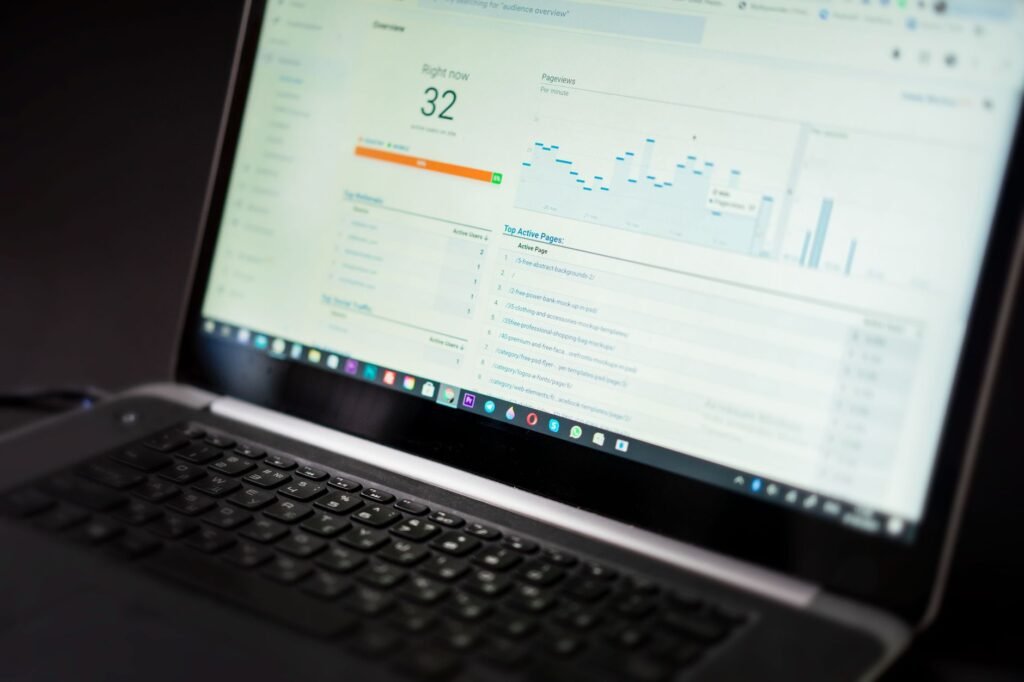
If you do not have Google Analytics and Google Search Console set up, you are flying blind. You cannot fix what you cannot measure. Install both tools today. They are free and take about 20 minutes to set up with the help of AI strategy consulting or your web developer.

Tools and Comparisons: Best Options for Indian Businesses in 2026
You do not need a huge budget to fix your lead problem. There are affordable tools that work well for Indian SMBs. Here is a comparison of the most effective ones based on price, ease of use, and results. Choose based on your business size and needs.
| Tool Type | Best Option | Approx. Cost | Best For |
|---|---|---|---|
| AI Chatbot | Google Business Agent for Leads | Free with Ads | B2B and B2C lead capture |
| WhatsApp Marketing | Interakt or WATI | Rs 1,000 per month | Retail and service businesses |
| Landing Page Builder | Instapage | Rs 8,000 per month | Paid ad campaigns |
| Local SEO Tool | Semrush Local SEO | Rs 2,500 per month | Ranking in Google Maps |
| Form Builder | Typeform | Free tier available | Short lead capture forms |
| Website Speed Tool | Google PageSpeed Insights | Free | Speed audits and fixes |
The most cost-effective approach in 2026 is to combine a fast website, an AI chatbot, and a solid local SEO plan. Businesses that adopt all three typically see their enquiry rates double within 60 days. If you want a complete solution handled by experts, explore our AI digital marketing services designed for Indian businesses.
Not sure which tool fits your business?
Our team at NaviGo Tech Solutions will set it up for you — free 30-minute strategy call.