- Agentic workflows act on their own, unlike chatbots that just respond
- Indian SMEs can start small with customer service and backend tasks
- You do not need a data science team to begin, but you need clear goals
- Costs vary widely; start with a single process and scale slowly
What Are AWS SageMaker AI Agentic Workflows?
When people talk about AI, most think of chatbots like ChatGPT that answer questions. AWS SageMaker AI agentic workflows are different. These are AI systems that can complete multi-step tasks on their own. They can read an email, check your inventory system, prepare a quote, and send a reply without a human in the middle.
Think of it like this. A standard AI tool is like a smart assistant who gives you advice. An agentic workflow is like a junior employee who actually gets the work done, follows your guidelines, and reports back when something needs approval. The key difference is autonomy.
For an Indian small business owner in Chennai or Mumbai, this means your AI agent can handle tasks like follow-up emails to customers who abandoned their carts, or sorting through sales enquiries and passing only the serious ones to your team. The system uses SageMaker, which is Amazon’s machine learning platform, now upgraded to support these autonomous agents with better memory, planning, and tool-use capabilities.
SageMaker gives you the infrastructure to train, test, and deploy these agents without needing to manage servers or complex code. AWS handles the heavy lifting. You focus on defining what the agent should do.
Why Indian SMEs Should Care About This Launch
The Labour Cost Advantage Flips
Indian SMEs have always relied on cheap labour to manage repetitive tasks. That advantage is shrinking as salaries rise in metro cities. An AI agent that handles order tracking updates costs a fraction of hiring a full-time person for the same job. It works 24/7, does not take leave, and does not make careless mistakes at 6 pm on a Friday.
Customer Expectations Are Rising
Customers in India now expect instant responses. If you run an online store or a service business, a two-hour delay in replying to an enquiry can mean losing the customer to a competitor. AI agents can respond within seconds, and they can do it consistently across WhatsApp, email, and your website. That speed builds trust and improves your chances of closing the sale.
Backend Operations Become Leaner
Consider a small logistics company in Chennai. They get hundreds of calls asking about shipment status. An agentic workflow can check the tracking API, pull the latest status, and send a polite update via SMS or email. Your staff then only handle exceptions like delayed shipments or address changes. This frees up your team to focus on sales and customer relationships.
Level Playing Field With Larger Competitors
Big companies have used automation for years. Now, with SageMaker’s managed services, you do not need a data science team. AWS has made it easier for non-technical founders to set up agents using templates and visual builders. This launch lowers the barrier to entry, giving Indian SMEs a real chance to compete with larger players on speed and consistency.
Step-by-Step Guide to Getting Started
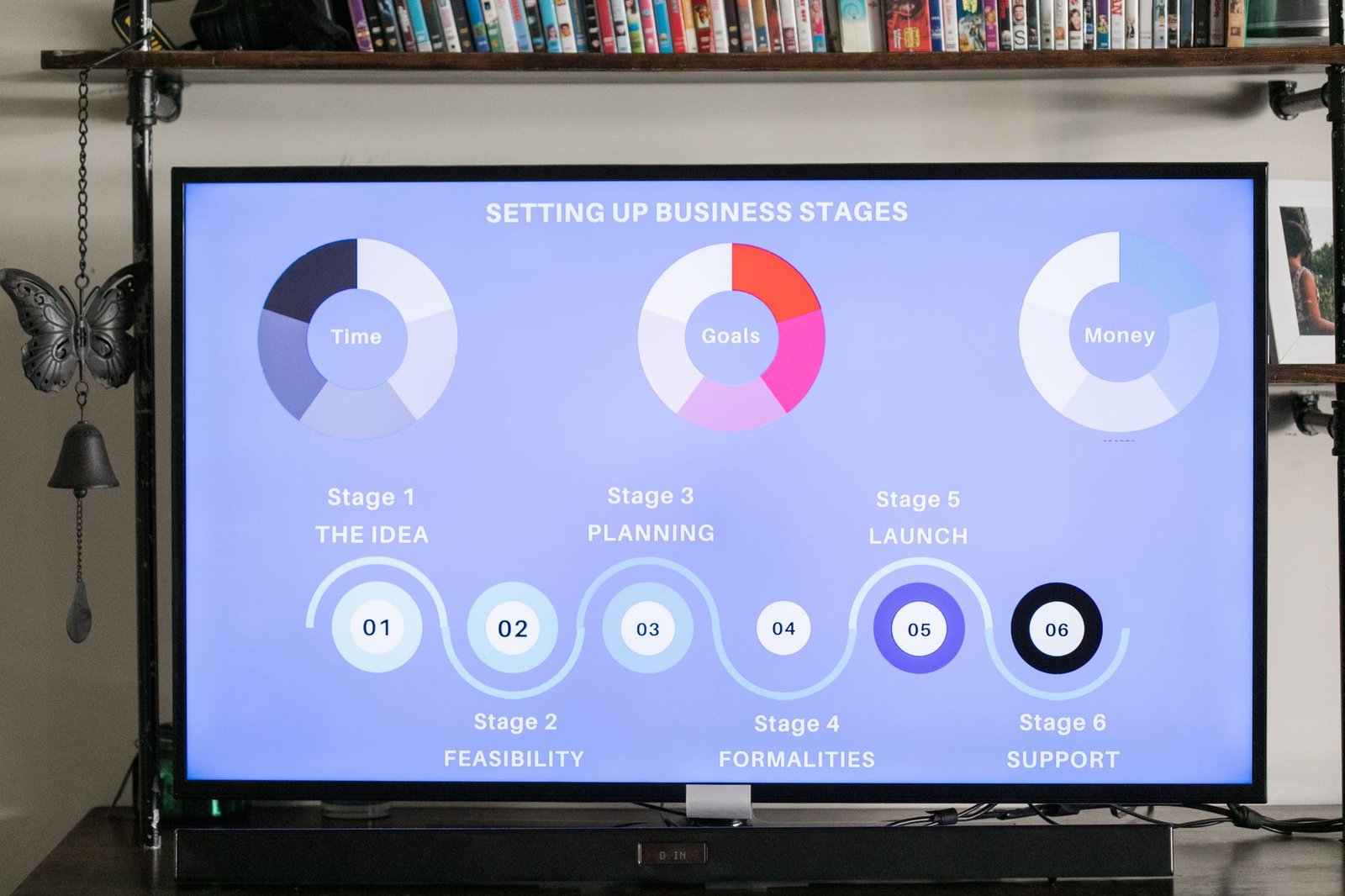
- Step 1: Identify a Single Repetitive Process. Start small. Pick one task that takes at least two hours of your staff’s time every day. This could be answering common customer questions, updating order statuses, or qualifying sales leads. Do not try to automate everything at once. One clear process gives you measurable results and a learning curve that is manageable.
- Step 2: Set Up Your AWS Account and SageMaker Domain. Create an AWS account if you do not have one. Go to the SageMaker console and set up a domain. AWS provides a free tier with limited usage, so you can experiment without spending much. Follow the guided setup wizard. It walks you through creating the necessary roles and permissions.
- Step 3: Define the Agent’s Goal and Boundaries. Write down exactly what the agent should achieve. For example, “Respond to all customer emails asking about order status within 10 seconds.” Also define what it should not do, such as offering refunds without human approval. Clear boundaries prevent costly errors.
- Step 4: Use SageMaker’s Built-In Templates. Amazon now offers pre-built templates for common use cases like customer support and lead qualification. Use these as your starting point. You can customise the prompts and connect your existing tools like Zoho CRM or Shopify through API connectors.
- Step 5: Test in a Controlled Environment. Run the agent with your team members watching. Give it sample inputs that cover both normal and edge cases. Ask your staff to document any wrong answers or actions. Continue refining the prompts until the success rate is above 90 percent.
- Step 6: Deploy and Monitor. Once you are confident, deploy the agent for real use. Monitor its performance regularly through the CloudWatch dashboard. Set up alerts for when it fails or gets stuck. Review logs weekly during the first month to catch any unintended behaviour.
Common Mistakes to Avoid When Adopting AI Agents
Skipping the Problem Definition Stage
Many business owners buy into the hype and try to automate everything. That approach fails because the agents act on poorly defined goals. Start by writing a one-page document that describes your current process, the pain points, and the success metrics. If you cannot describe the process clearly on paper, you are not ready to automate it.
Ignoring Data Quality
AI agents are only as good as the data they use. If your customer database has duplicate entries, old phone numbers, or inconsistent product names, your agent will make mistakes. Before you deploy, clean up your data. This is an area where digital marketing agencies in Chennai often fall short too. The agent is not the bottleneck; your data hygiene is.
Trusting the Agent Without Supervision
Agentic workflows are powerful but not perfect. They can misinterpret a customer’s tone or take an action that violates your policy. Always build in a human approval step for high-risk actions like refunds, discounts, or sending legal documents. This is not distrust; it is good risk management. Review the agent’s decisions daily for the first few weeks.
Overlooking Security and Permissions
Your agent will have access to customer data and internal systems. Make sure you set strict permissions using AWS Identity and Access Management (IAM). Give the agent only the minimum access it needs. For example, if it only needs to read order data, do not grant write permissions. This limits the damage if something goes wrong.
Failing to Plan for Scaling
Once your first agent works well, you will want to add more processes. Do not build each agent in isolation. Create a roadmap. Think about which workflows connect to each other. For instance, a lead qualification agent could pass hot leads to a sales follow-up agent. Plan the integration from the start. If you are unsure how to architect this, consider consulting with experts who offer AI strategy consulting services to align your automation roadmap with your business goals.

Agentic Workflows vs Traditional AI Tools: Comparison
Before you invest time and money, let us compare AWS SageMaker AI agentic workflows with the traditional AI tools you might already be using, such as simple chatbots or rule-based automation software like Zapier. This comparison helps you decide which approach fits your business stage.
| Feature | Traditional Chatbots (e.g., ChatGPT) | Rule-Based Automation (e.g., Zapier) | AWS SageMaker Agentic Workflows |
|---|---|---|---|
| Autonomy Level | Responds but does not act | Follows fixed rules | Plans and acts on its own |
| Complexity of Setup | Low, as easy as writing prompts | Moderate, needs logic mapping | Higher, needs AWS console knowledge |
| Cost for SME | Low monthly subscription | Per task or per workflow | Pay per use, usage based |
| Learning Curve | Minimal | Moderate | Steep but manageable with templates |
| Ability to Use Your Business Data | Limited, no direct system access | Connects via APIs | Deep integration with AWS services |
| Handling Unexpected Scenarios | Gives generic answers | Fails when rules do not match | Improvises within set boundaries |
For most Indian SMEs, the right move depends on your current stage. A simple chatbot may be enough for a new business that just needs to answer FAQs. But if you are already generating significant customer traffic and want to cut operational costs, upgrading to an AI agents and bots service can deliver a strong return on investment. Similarly, combining the power of agents with a solid social media SEO strategy can help you capture more demand while your agents handle the follow-through.
Not sure which tool fits your business?
Our team at NaviGo Tech Solutions will set it up for you — free 30-minute strategy call.