
- How WhatsApp bots handle FAQs, order tracking and lead capture automatically
- Which free tools work best for Indian small businesses in 2026
- A practical 5-step setup process you can complete in one afternoon
- What to avoid so your bot helps customers instead of annoying them
What Is a WhatsApp Automation Bot?
A WhatsApp automation bot is a program that replies to customer messages automatically. It uses pre-written responses, keywords, and simple rules to handle common questions without a human agent. When a customer asks about your store timings, delivery status, or product prices, the bot answers instantly.
Think of it as a virtual receptionist who never sleeps. It works 24 hours a day, 7 days a week, and it never gets tired or frustrated. For a small business owner in India, this means you can capture leads and resolve queries even while you are sleeping, at a family function, or handling deliveries.
The best part is that you do not need the expensive WhatsApp Business API to start. Platforms like respond.io, WATI, and Chatwoot offer free tiers that work with the standard WhatsApp Business app. You can also use WhatsApp’s built-in quick replies and greeting messages feature, which is completely free and requires zero third-party tools.
For businesses ready to scale further, AI agents and bots from NaviGo Tech Solutions can handle complex conversations with natural language understanding. But for now, let us focus on the free route that works immediately.
Why Your Business Needs One
Indian customers prefer WhatsApp over calls and emails. According to industry reports, WhatsApp has over 500 million users in India. Your customers are already on the platform, and they expect fast responses. A study by Hootsuite in early 2026 found that DM automation is now a critical part of customer service, with businesses that automate seeing significantly higher satisfaction scores.
Response Time Is Your Competitive Edge
When a customer messages you at 11 PM asking about a product, they do not expect a reply at 11:05 PM. But if you reply by 11:15 PM with a helpful answer, you have just won their trust. A bot makes this possible. It responds instantly, every single time. Your competitors who rely on manual replies will lose customers to you simply because you are faster.
Cost Savings for Small Budgets
Hiring a full-time customer support executive in India costs anywhere from Rs 15,000 to Rs 25,000 per month. A free WhatsApp bot handles the first level of queries without any salary. Your human team only handles complex issues that actually need their attention. This frees up time and money for other parts of your business like marketing or product development.
Lead Capture That Works While You Sleep
A bot can ask visitors questions, collect their contact details, and qualify them as leads. For example, if someone asks about your pricing, the bot can offer a brochure link and ask for their name and business type. By morning, you have a list of warm leads ready for your sales team. This works especially well for B2B service providers like digital marketing agencies and web development firms.
Consistency Across All Messages
Humans make mistakes. They forget details and give inconsistent answers. A bot gives the same accurate response every time. This builds a professional image for your brand. Customers in India appreciate reliability, and a bot delivers that consistently. For more ideas on using AI in your marketing, check out our guide on AI Ads and Automation.
Scale Without Stress
During festivals like Diwali or Big Billion Days, your message volume can double or triple. A bot handles the surge effortlessly. You do not need to hire temporary staff or work extra hours. The bot simply absorbs the load, and your team manages only the exceptions.
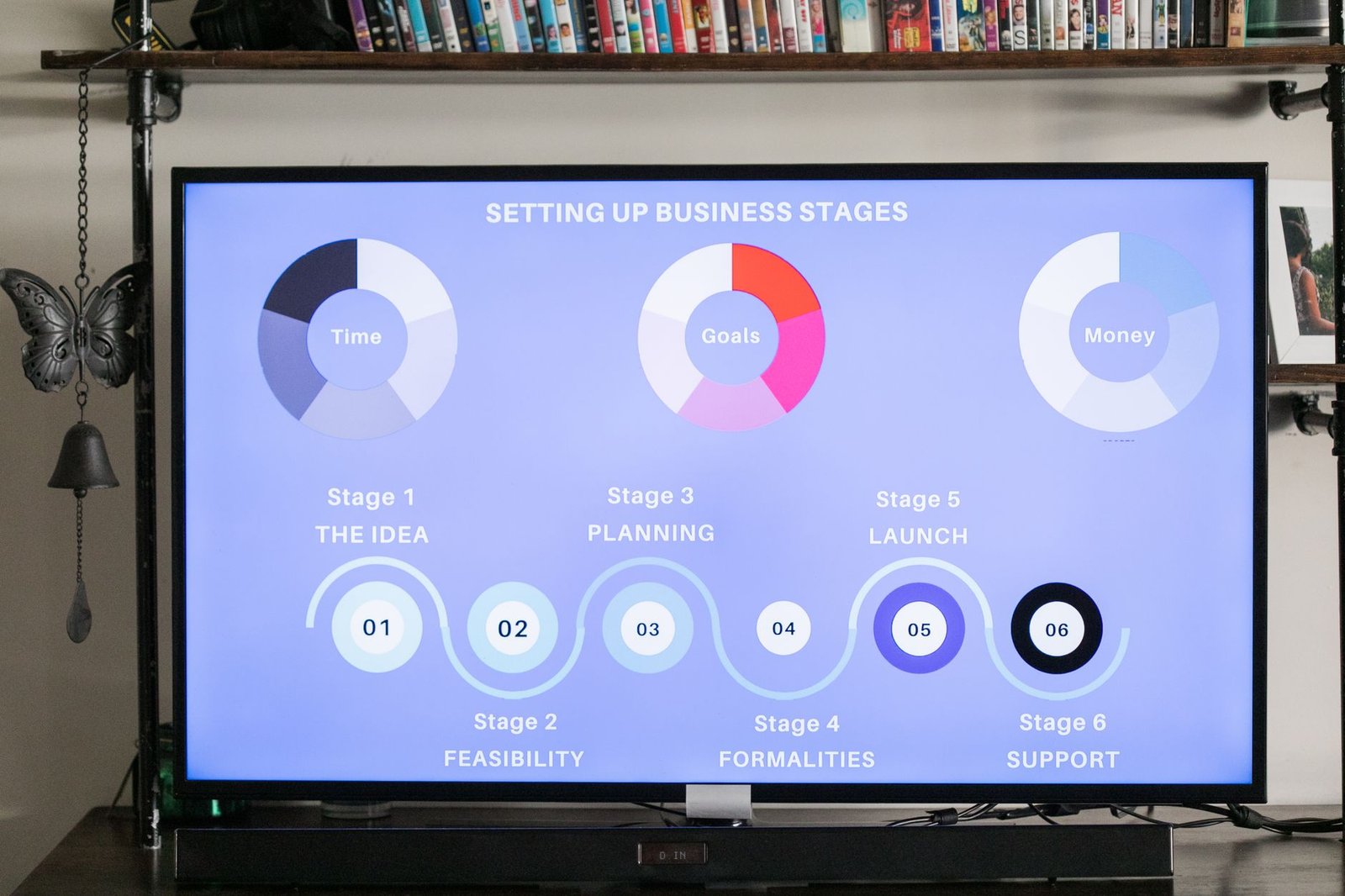
Step-by-Step Setup Guide
Setting up a free WhatsApp automation bot is simpler than you think. Follow these five steps, and you will have a working bot by the end of the day. You do not need any coding knowledge. Most of these steps use free tools with drag-and-drop interfaces.
- Step 1: Set Up Your WhatsApp Business App – Download the WhatsApp Business app from the Play Store or App Store. Register your business number. Fill in your business profile with your address, description, timings, and website link. This is your foundation. The app is free and works on any smartphone.
- Step 2: Use Built-in Quick Replies – Go to Settings, then Business Tools, then Quick Replies. Create replies for your most common questions. For example, set up replies for “price”, “delivery time”, “address”, and “hours”. Type a shortcut like “/price” and the app will automatically replace it with your full answer. This alone saves hours every week.
- Step 3: Enable Greeting and Away Messages – In the same Business Tools menu, set a greeting message for new customers and an away message for after-hours. Write these messages in a friendly, helpful tone. Mention your typical response time so customers know when to expect a human reply.
- Step 4: Sign Up for a Free Automation Platform – Tools like respond.io and WATI offer free plans for small businesses. These platforms connect your WhatsApp Business number to a more powerful dashboard where you can build keyword-triggered bots. For example, if a customer types “order status”, the bot automatically checks your order database and replies with the current status.
- Step 5: Build Your Bot and Test It – Use the platform’s visual builder to create conversation flows. Start with 5 to 10 common scenarios. Then send test messages from another phone to see how the bot responds. Refine the wording until it feels natural. Once you are happy, promote your WhatsApp number on your website and social media. For advanced bot ideas, see how OpenAI full stack agents can take this further.
Common Mistakes to Avoid
Many Indian businesses jump into WhatsApp automation and make the same mistakes. Here is what to watch out for.
Mistake 1: Making the Bot Too Complex
Small businesses often try to automate everything on day one. This leads to a confusing bot that cannot handle any query properly. Start with basic FAQs and order status. Add more scenarios as you learn what customers actually ask. A simple bot that works well beats a complex bot that frustrates users.
Mistake 2: No Human Handoff
Customers get angry when a bot cannot solve their problem and there is no way to reach a human. Always include an option like “Type 0 to speak to a human” or “Talk to a representative”. This ensures that complex issues get resolved, and your customers feel heard. AI tools can help here, but human judgment is still essential for sensitive issues.
Mistake 3: Ignoring the Tone
In India, customers respond well to a warm and respectful tone. Do not make your bot sound robotic or rude. Use phrases like “Namaste! How can I help you today?” or “Thank you for reaching out to us.” Match the tone your team uses in person. This makes the bot feel like an extension of your brand personality.
Mistake 4: Not Measuring Performance
You cannot improve what you do not measure. Track how many messages your bot handles, how many queries it resolves without human help, and customer satisfaction scores. Most free platforms provide basic analytics. If a bot answer is getting negative feedback, rewrite it. Continuous improvement is the key to long-term success.
Mistake 5: Using the Wrong Number
Do not use your personal WhatsApp number for business. Once you link a number to the WhatsApp Business API or a third-party provider, you cannot switch it. Invest in a dedicated business SIM or a virtual number. This prevents future headaches when you want to scale or change providers. For more on scaling your digital presence, consider our AI digital marketing services.

Free Tools Compared
There are several free tools available in 2026. Each has its strengths. Here is a quick comparison to help you choose the right one for your business. The best choice depends on your budget, technical comfort, and volume of messages.
| Tool | Free Tier Limit | Best For | Key Feature |
|---|---|---|---|
| WhatsApp Business App | Unlimited (within fair use) | Very small businesses | Quick replies and away messages built-in |
| respond.io | Up to 10 contacts | Startups testing automation | Visual bot builder with keyword triggers |
| WATI | Up to 30 conversations per month | Small e-commerce stores | Team inbox and shared chat history |
| Chatwoot | Unlimited (self-hosted) | Businesses with tech skills | Open source and full control |
| ManyChat | Up to 1,000 contacts | Marketing focused businesses | Instagram and Facebook integrations |
| BotPenguin | Up to 50 conversations | Indian small businesses | Local support and Hindi language options |
Your choice should align with your business size and goals. If you are just starting, the built-in WhatsApp Business features are enough. As you grow, a platform like respond.io or WATI gives you more power. For businesses that want a fully managed solution with AI-powered support, NaviGo Tech Solutions offers custom AI agents that integrate with WhatsApp and your CRM.
Not sure which tool fits your business?
Our team at NaviGo Tech Solutions will set it up for you — free 30-minute strategy call.