
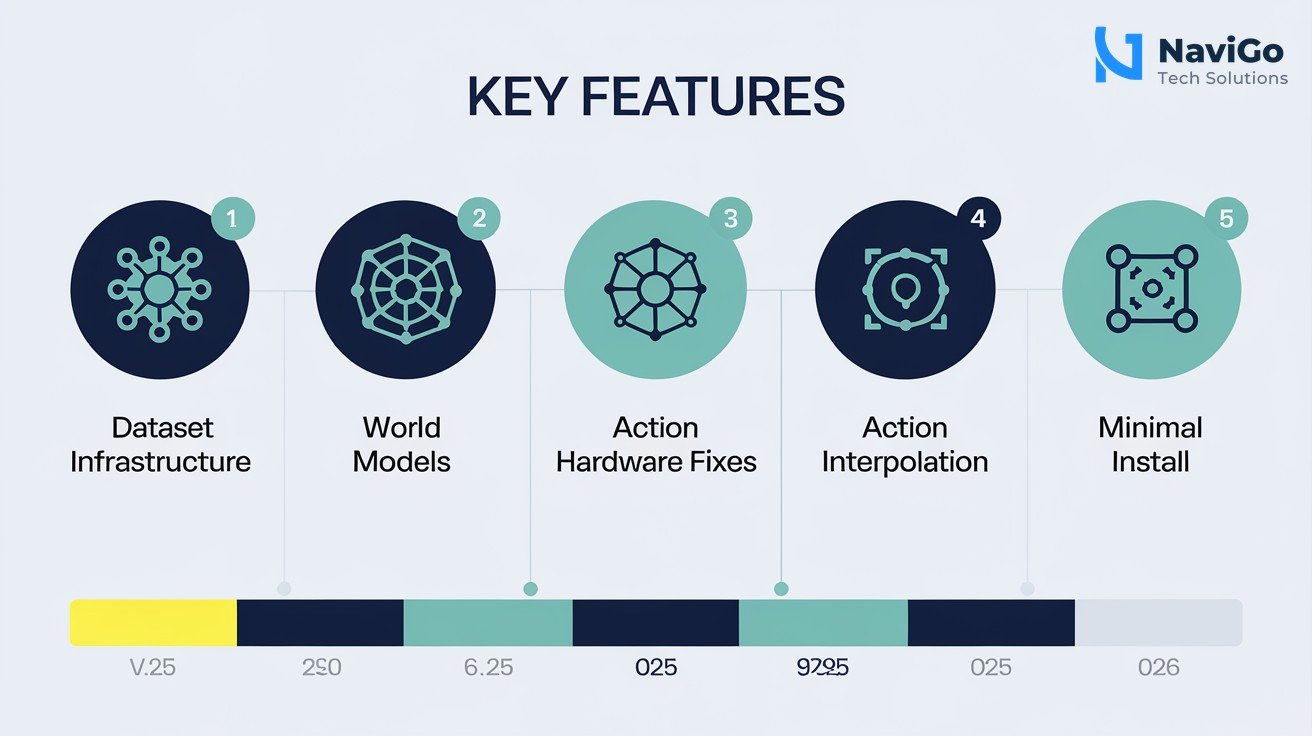
- LeRobot v0.6.0 adds dataset tagging, partial downloads, and validated info files for large-scale training.
- World models like VlaJEPA and DreamZero are now integrated for offline policy training.
- Hardware support includes fixes for Indian-made robotics arms like SO101 and Lekiwi.
- Action interpolation bridges the gap between training at 30Hz and real-world execution at 100Hz.
What Is LeRobot v0.6.0 and Why Should Indian AI Firms Care?
LeRobot is an open-source library from Hugging Face created to make robot learning accessible to everyone. It covers the full stack from low-level motor control to collecting and streaming large datasets and training policies. Version 0.6.0 is the most significant update yet, bringing real-world robotics features that Indian AI firms can use today.
Indian AI firms are already building automation solutions for factories, warehouses, and agriculture. The gap between research and deployment is wide. LeRobot v0.6.0 bridges that gap by offering a validated dataset format, partial downloads so you can start training without downloading terabytes, and world models that let you train policies offline without needing a physical robot during the training loop.
For a team in Chennai or Bangalore building a robotic arm for assembly line tasks, this means you can iterate faster. You can test different policies using simulation and world models, then deploy to real hardware with confidence. The library also supports Indian-made hardware like the SO101 and Lekiwi robot arms, with calibration fixes included in this release.
If you are new to robot learning and want to understand the broader landscape, start by reading our guide on Top 25 AI Tools in 2026 to see where LeRobot fits among the best open-source options for AI developers in India.
Key Features That Matter for Indian Robotics Projects
Dataset Infrastructure Designed for Scale
Version 0.6.0 replaces the old free-form dataset info with a validated dataclass called info.json. This means your dataset metadata is consistent and machine-readable. For Indian AI firms working with large datasets collected from multiple robot arms, this standardisation saves hours of manual cleaning. You can now download partial datasets filtered by episode, task, or tag. This is a game-changer for teams with limited bandwidth.
World Models for Offline Training
World models like VlaJEPA and DreamZero are now integrated into LeRobot. These models let your policy learn from recorded data without needing the physical robot to be available. For an Indian startup that has one robot arm in the office but wants to run hundreds of training experiments, world models allow that. You can train multiple policy variations in parallel on a single GPU server, then deploy the best one to the robot.
Hardware Fixes for Indian Robots
This release includes calibration fixes for the SO101 and Lekiwi robot arms, which are popular in Indian research labs and small-scale manufacturing. The OpenCV camera backend on Linux has been fixed, and V4L2 auto-selection is now supported. RealSense connection timeouts have been improved. These changes directly affect Indian teams using these sensors and robots in real-world conditions.
Action Interpolation for Smooth Motion
Training policies often run at 30Hz. Real robot execution often runs at 100Hz. LeRobot now interpolates actions from training frequency to execution frequency. This means less jerky motion and more natural movement from your robot. For an Indian AI firm deploying robots in a customer warehouse, smooth motion is critical for safety and acceptance.
If you are evaluating LeRobot for a client project, consider pairing it with proven strategies from our AI Email Personalization Guide to create a complete AI-powered customer solution.
How Indian AI Teams Can Get Started With LeRobot v0.6.0
Follow these steps to install, configure, and run your first LeRobot v0.6.0 workflow. These steps assume you have a Linux machine with Python 3.10 or higher and a GPU.
- Step 1: Minimal installation
Runpip install lerobot. This installs only the core library without heavy dependencies. For training support, add the training extra:pip install lerobot[training]. This approach keeps your environment lean and avoids dependency conflicts common in Indian teams with mixed hardware setups. - Step 2: Download a partial dataset
Use the new episode-scale tagging to download only the tasks you need. For example, if you have a dataset of 50,000 episodes but only need the “pick and place” ones, filter by tag. This saves bandwidth and disk space, especially important for teams with slower internet connections in tier 2 cities. - Step 3: Train a policy using a world model
Choose a world model like DreamZero from the integrated policies. Run training offline on your GPU server. The refactored RL stack makes it straightforward. You can experiment with different hyperparameters without needing the robot to be physically present. - Step 4: Evaluate using simulation
LeRobot now supports simulation benchmarks for systematic VLA evaluation. Use the docker-based simulation environment to test your policy before deploying to real hardware. This step catches errors early and saves wear and tear on your robot. - Step 5: Deploy to real hardware
Connect your robot arm using the new web-based UI that handles robot connection, camera setup, teleop control, and dataset recording. The action interpolation pipeline automatically adjusts your 30Hz policy to 100Hz execution for smooth motion on the robot.
Common Pitfalls to Avoid When Using LeRobot
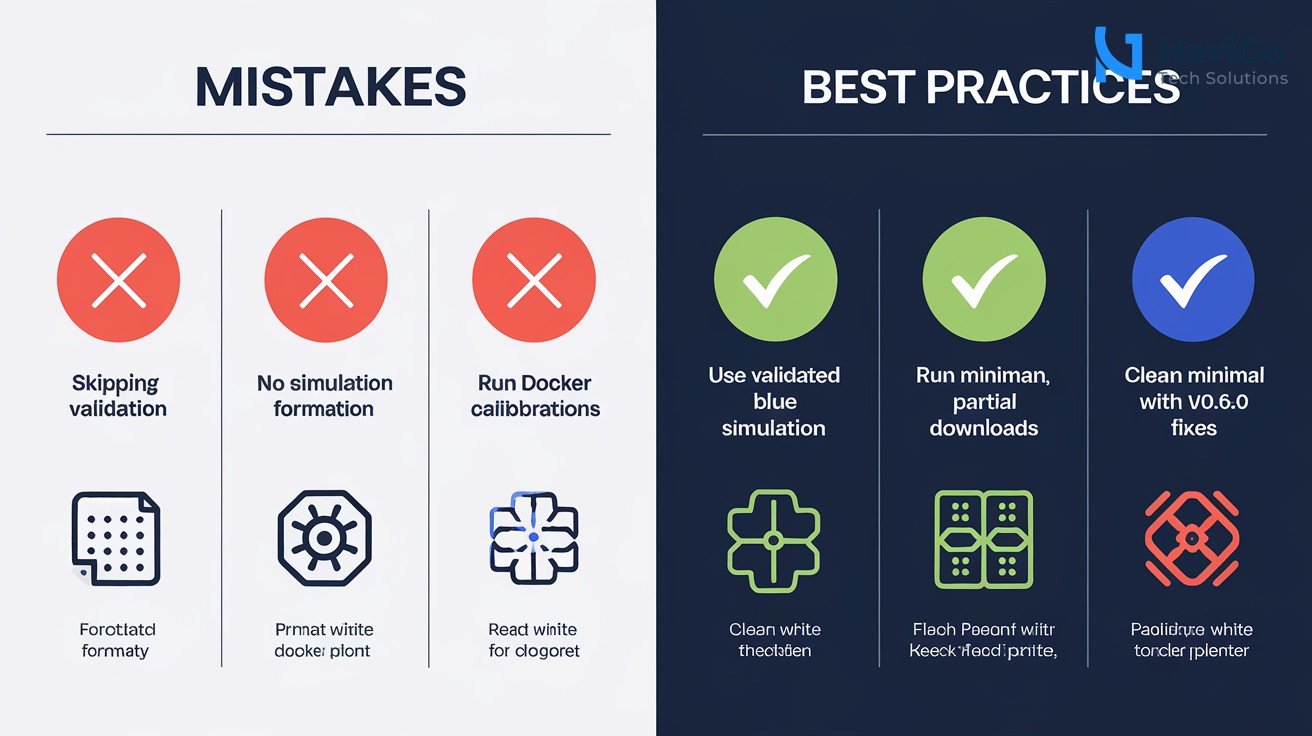
Ignoring the validated dataset format
Many teams using LeRobot for the first time continue to use the old free-form info dictionary. This causes issues when sharing datasets across team members or when uploading to Hugging Face. Always use the new info.json dataclass. It is validated and consistent.
Skipping the simulation validation step
Indian AI firms sometimes skip simulation testing to save time. This is a mistake. Deploying an untrained policy to a real robot can cause damage or safety issues. Use the docker-based simulation environment every time. It takes a few hours and saves days of debugging later.
Not using partial downloads when bandwidth is low
Indian teams in smaller cities often have slower internet. Downloading entire datasets of hundreds of gigabytes is impractical. Use the episode-scale tagging and partial download feature to get only what you need. This feature was added specifically for teams like yours.
For more insights on building AI solutions for the Indian market, read our guide on Best AI Marketing Agency India 2026 which covers LLM, GEO, and AEO strategies.
LeRobot v0.6.0 vs Earlier Versions: A Side-by-Side Comparison
Here is how LeRobot v0.6.0 compares with version 0.5 and 0.4 in key areas that matter to Indian AI firms. This table will help you decide whether an upgrade is worth your time.
| Feature Area | LeRobot v0.4 | LeRobot v0.5 | LeRobot v0.6.0 |
|---|---|---|---|
| Dataset format | Free-form dict | Free-form dict | Validated dataclass (info.json) |
| Partial downloads | Not supported | Not supported | Supported by episode, task, or tag |
| World models | Not available | Basic support | VlaJEPA, DreamZero integrated |
| Hardware calibration | Manual | Partial | SO101/Lekiwi fixes included |
| Action interpolation | Not available | Not available | 30Hz to 100Hz pipeline |
| Installation size | Full dependency bundle | Full dependency bundle | Minimal with optional extras |
Upgrading from v0.5 to v0.6.0 is straightforward with the minimal install option. Your existing policies may need small API updates due to the homogenised evaluation contracts, but the transition is smooth. For a deeper dive into AI tools and frameworks, explore our blog on Top 25 AI Tools in 2026 to see how LeRobot compares with other robotics libraries.
Not sure which tool fits your business?
Our team at NaviGo Tech Solutions will set it up for you - free 30-minute strategy call.