
- The exact features OpenAI launched for business analytics in 2026
- How to monitor ChatGPT and Codex usage across your marketing campaigns
- Step-by-step setup for spend controls and budget alerts
- How Indian marketers are using these insights to improve campaign performance
- Common mistakes to avoid when deploying AI analytics
What Are OpenAI Enterprise Analytics and Spend Controls?
In June 2026, OpenAI introduced enhanced usage analytics and AI spending controls for ChatGPT Enterprise. This is a big deal for Indian marketers who rely on AI tools daily. Previously, you could only see how many prompts your team used. Now you get a central dashboard that shows you exactly how much each team member, department, or project is spending on ChatGPT and Codex credits.
Think of it like a detailed phone bill for your AI usage. Instead of guessing who is using the AI too much, you can see a breakdown: which team uses most credits for content generation, which one uses it for coding, and which one barely uses it at all. You can also set budgets for each team or project. If a team exceeds its limit, you get alerts. This puts you in control of your AI costs.
For a small business in Chennai running multiple marketing campaigns, this is a goldmine. You can track whether your social media team is using ChatGPT efficiently or if your ad team needs more credits for campaign analysis. It stops overspending and helps you allocate resources smarter.
OpenAI’s move into enterprise services is also structural. In May 2026, OpenAI created dedicated deployment teams that embed engineers with clients to integrate AI into workflows. This means the tools are built for serious business use, not just casual experimentation.
Why Indian Marketers Need These Tools in 2026
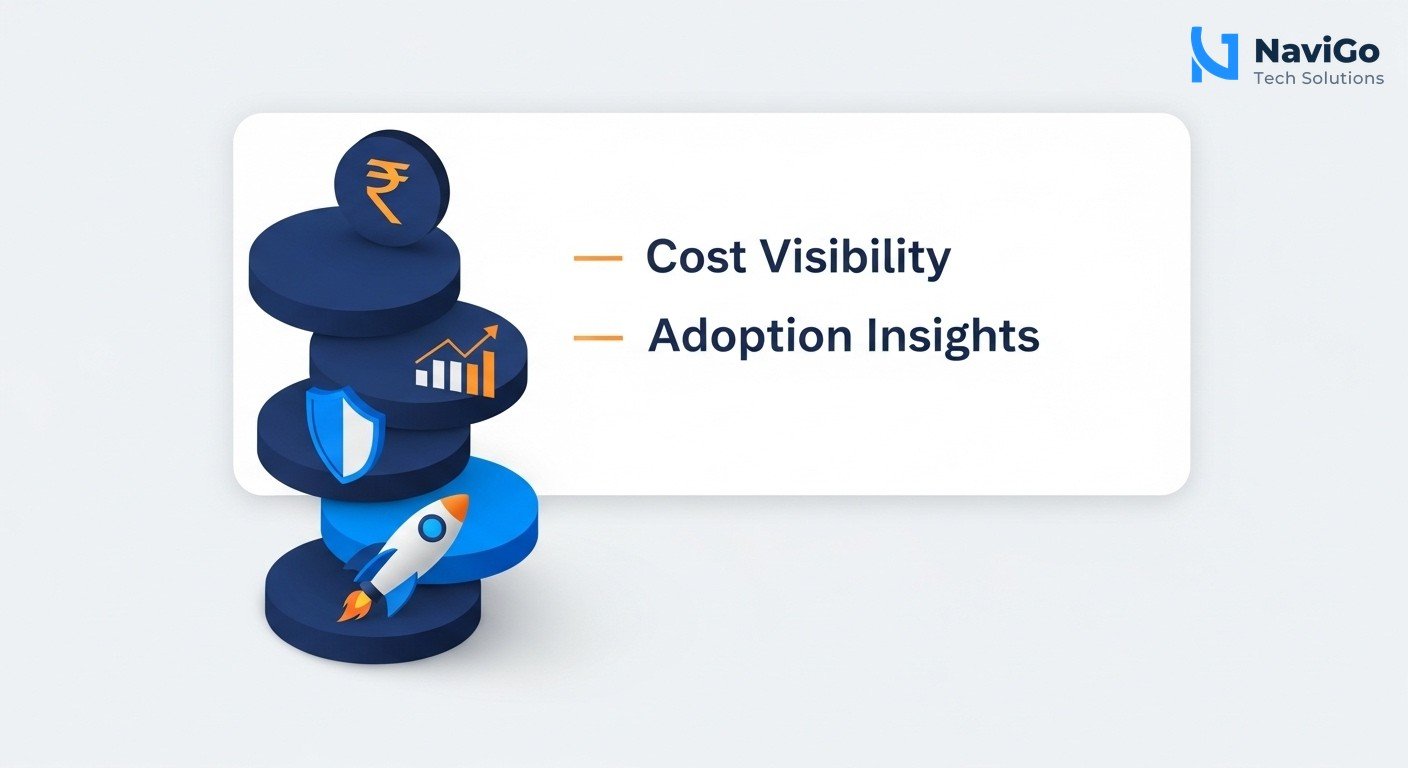
Cost Visibility and Budget Control
Marketing teams often use ChatGPT for multiple tasks: writing blog posts, drafting emails, analysing customer feedback, and generating ad copy. Without usage analytics, you have no idea which activity eats up the most credits. With OpenAI’s new dashboards, you can see consumption at user, product, and model levels. You can set a monthly budget for the marketing department and receive alerts when usage hits 80 percent. This prevents surprise bills and helps you plan campaigns better.
Better AI Adoption Decisions
Do you know if your team actually uses ChatGPT Enterprise every day, or are they still doing tasks manually? Usage analytics show you adoption rates across your team. If a particular tool like Codex plugins is underused, you can train your team on it. If a specific model like GPT-5 is used heavily for customer support, you can scale it. These insights help you decide where to invest in AI training and where to cut back.
Alignment with Enterprise-Grade Security
Indian businesses handle sensitive customer data. OpenAI enterprise analytics come with security controls that let you monitor usage without compromising data privacy. You can see aggregate trends without exposing individual prompts. This is crucial for compliance with Indian data laws and for maintaining customer trust.
Scaling for the Future
By 2028, an average global Fortune 500 enterprise is expected to have over 150,000 AI agents in use. Indian companies are not far behind. Starting to track and manage AI usage now prepares your business for this scale. You will have the processes in place to handle thousands of AI interactions daily without chaos.
Step-by-Step: How to Set Up and Use OpenAI Enterprise Analytics
Follow these steps to get started with OpenAI’s usage analytics and spend controls for your marketing team. You need an active ChatGPT Enterprise subscription to use these features.
- Step 1: Log in to your OpenAI admin dashboard. Go to the admin console of your ChatGPT Enterprise account. Only admins can access usage analytics and spend controls.
- Step 2: Navigate to the Usage tab. You will see a dashboard showing total credit consumption over time. It breaks down usage by user, product (ChatGPT or Codex), and model (GPT-5, GPT-5.2, etc). Filter by date range to see weekly or monthly trends.
- Step 3: Set budgets for each team or project. Click on Spend Controls. Create a budget for your marketing department. For example, set a monthly limit of Rs 50,000 worth of credits for content creation. You can also set limits for individual users if someone consistently overspends.
- Step 4: Configure alerts and notifications. Choose to receive email alerts when a team reaches 70 percent, 90 percent, or 100 percent of its budget. This lets you intervene before costs spiral. Alerts can be sent to your finance head or marketing manager.
- Step 5: Review adoption reports weekly. Check the usage analytics to see which team members are active. If someone has zero usage for two weeks, consider reassigning their credits or training them. If a model like Codex is unused, learn why. Maybe your team needs a quick workshop.
- Step 6: Use insights to optimise campaigns. If you see that ChatGPT is heavily used for ad copy but rarely for email campaigns, shift training efforts. You can also compare usage between successful and underperforming campaigns to see if more AI usage correlates with better results. For deeper AI-driven marketing help, explore our AI digital marketing services.
Common Mistakes Indian Marketers Make with AI Analytics
Setting a Budget Without Understanding Usage First
Many marketers jump straight to setting budgets without analysing current usage for a month. This can cause disruptions. For example, if you set a tight budget without knowing your team’s baseline, you might cut off access mid-campaign. Always monitor usage for at least 30 days before enforcing limits. Use the analytics dashboard to understand patterns first.
Ignoring Per-Model and Per-Product Breakdowns
The new dashboards let you see usage by model and product. A common mistake is to only look at total usage. You might find that your team uses the expensive GPT-5.2 model for simple tasks like drafting emails, when GPT-4 would suffice. Track per-model costs and encourage teams to use cheaper models for low-stakes tasks. This can reduce your AI bill by 30 percent or more.
Not Using Alerts and Notifications
Alerts are powerful but often ignored. If you do not set alerts, you will only discover overspending at month end. Set at least two alerts: one at 70 percent and one at 90 percent of budget. This gives you time to adjust. For example, if your content team is about to exceed its limit, you can pause a campaign or ask them to use a cheaper model for a few days.
Underutilising Adoption Reports for Team Training
Adoption reports show who is using what. If you see low adoption of Codex plugins, do not assume your team does not need them. Train them. For instance, our AI bots and automation services often show similar patterns: teams need a short demonstration to adopt a new tool. Use the data to plan monthly workshops. This turns analytics into a growth tool, not just a cost centre.

OpenAI Enterprise Analytics vs Other AI Tools: A Quick Comparison
OpenAI is not the only player offering enterprise analytics. Here is how it compares with other popular AI tools used by Indian marketers. This table helps you decide which platform fits your needs best.
| Feature | OpenAI Enterprise | Google Gemini for Business | Anthropic Claude for Work |
|---|---|---|---|
| Usage analytics dashboard | Yes, per user, product, model | Limited to total queries | Basic per-user usage |
| Spend controls and budgets | Yes, with alerts | No native spend controls | Coming in late 2026 |
| Codex integration tracking | Yes, includes Codex plugins | Not available | Not available |
| Adoption reports | Yes, weekly and monthly | Basic user activity log | Limited |
| Indian data centre support | Yes, via Azure | Yes, via Google Cloud Mumbai | No dedicated India node |
| Price per user (approx monthly) | $60 per user | $31 per user | $35 per user |
For Indian businesses that need granular control and are already using ChatGPT extensively, OpenAI Enterprise is the best choice. Its combination of spend controls and per-model tracking is unmatched. If you are exploring AI options for your marketing stack, our guide on GPT-5.2 for business can help you understand the latest model capabilities.
Not sure which tool fits your business?
Our team at NaviGo Tech Solutions will set it up for you - free 30-minute strategy call.