- What Google managed agents are and why they matter for Indian SMBs
- How to use the new Gemini API and Interactions API for agentic workflows
- The biggest pitfalls Indian businesses face when adopting AI agents
- Concrete examples of automation for tasks like customer support, data cleaning, and report generation
- A comparison of managed agents versus other automation options available in 2026
What Are Google AI Managed Agents?
At its core, a Google AI managed agent is a self-contained AI program that can perform multi-step tasks without constant human supervision. Think of it as a smart intern who can browse the web, run code, manage files, and even use other tools to complete a job. The key difference from older AI models is that this agent remembers context across interactions and can work on a task over several sessions.
Announced at Google I/O 2026, managed agents live inside the Gemini API. You can create one with a single API call. The agent gets its own managed Linux sandbox. This sandbox is a temporary, secure environment where the agent can execute code, install software, store files, and access the internet. This means your agent can do real work like cleaning a messy CSV file, drafting a weekly report, or pulling data from a competitor’s website.
The first version of managed agents is powered by the Antigravity agent and Gemini 3.5 Flash. You define your agent’s behaviour using simple Markdown files. An AGENTS.md file describes the overall goal, and a SKILL.md file lists the specific abilities the agent should have. The new Interactions API handles all the communication between your business systems and the agent, making setup faster and safer.
For Indian business owners, this is a breakthrough. You do not need a large IT team. You do not need to rent expensive cloud servers. You just need a clear understanding of the task you want automated and a few minutes to define it in simple language. Our AI Agents and Bots service at NaviGo Tech Solutions can help you design and deploy your first agent in under a week.
Why Indian Businesses Need AI Agents Now
Remove Manual Work That Burns Your Team
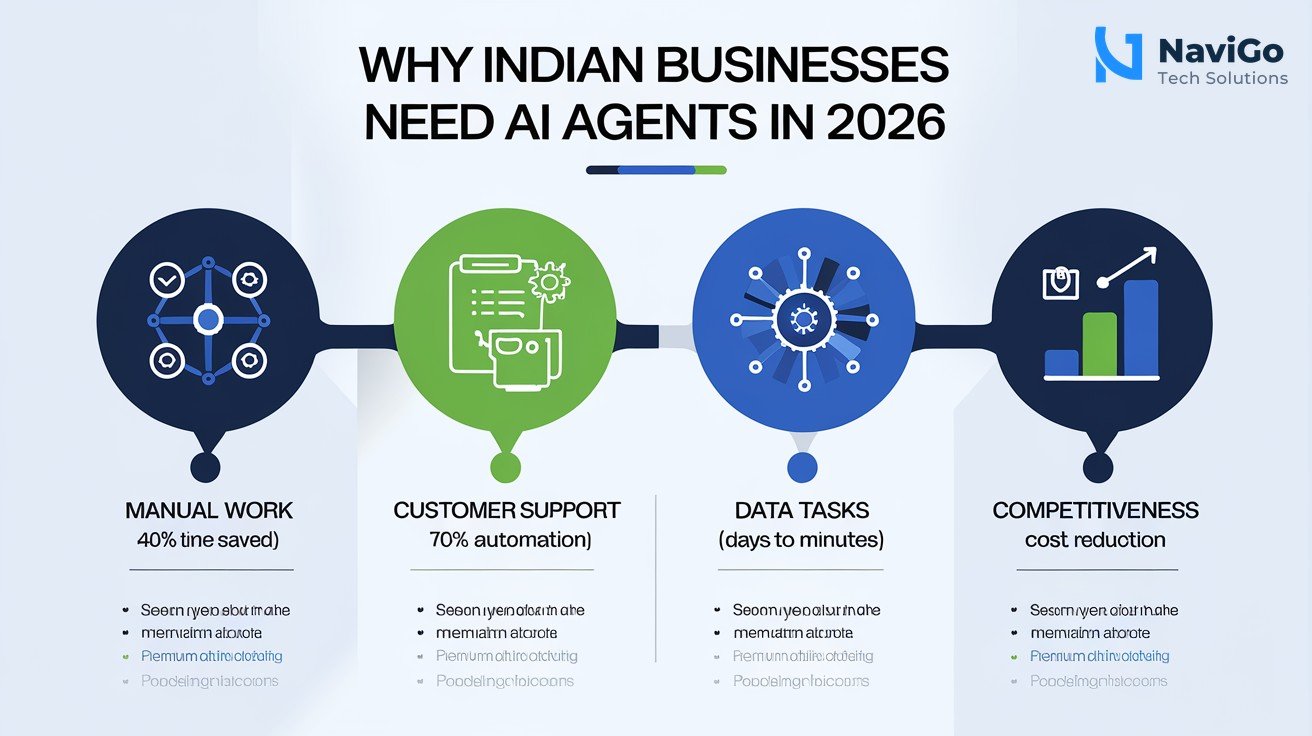
Every Indian business owner knows the pain of repetitive manual tasks. Chasing customer follow-ups, manually entering data from WhatsApp messages, or copying information from one spreadsheet to another. These tasks eat hours every day. A managed agent can take over these workflows entirely. For example, a small e-commerce store in Chennai can use an agent to automatically check competitor pricing every morning and update their own catalogue without any human effort.
Handle Customer Support Without Hiring More People
Customer support is a major expense for growing businesses. A Google AI managed agent can handle routine queries, process refund requests, and even escalate complex issues to a human. The agent can browse your knowledge base, run internal scripts, and respond in the customer’s language. Early adopters report that agents handle up to 70 per cent of support tickets without human involvement. This saves a significant portion of your monthly payroll.
Automate Data Heavy Tasks That Used to Take Days
Many Indian businesses generate huge amounts of data but struggle to analyse it. An agent can take raw daily sales data, clean it, run calculations, and generate a formatted PDF report sent to your email every morning at 8 AM. This type of automation used to require a developer and a server. Now it requires a single agent definition and an email trigger.
Stay Competitive While Keeping Costs Low
Large companies like Maruti Suzuki and Genpact are already deploying AI agents to automate business operations. If they are doing it, your competitors will follow soon. Using managed agents levels the playing field. You can achieve similar automation at a fraction of the cost. The difference is that you focus on smaller, focused tasks that directly impact your revenue. Learn more about how we combine AI with AI Digital Marketing to help small businesses grow without hiring extra staff.
How to Build Your First Managed Agent: A Step-by-Step Guide
Building a managed agent is simpler than you think. Here is how to do it in four steps.
- Step 1: Define your task clearly. Write down exactly what you want the agent to do. For example, “Every Monday at 9 AM, scrape the top 5 competitor websites for new product prices, store them in a Google Sheet, and email a summary to me.” This clarity is critical. The agent can only work with what you give it.
- Step 2: Create your AGENTS.md file. This is a simple Markdown file that describes the overall mission. For the competitor pricing example, you would write something like: “You are a market research agent. Your job is to monitor competitor pricing every week and report changes.” Keep it short and focused.
- Step 3: Define the SKILL.md file. This file lists the specific abilities the agent needs. It might include “browsing the web”, “parsing HTML”, “writing data to a Google Sheet”, and “sending an email via Gmail API”. The Interactions API handles the execution, so you just need to describe what tools are allowed.
- Step 4: Test in a sandbox and then go live. Google AI Studio provides a safe environment to test your agent. You can run a trial with dummy data, check the output, and fix any issues. Once you are satisfied, you can deploy the agent through the Interactions API. The agent runs in its own Linux sandbox, so it cannot accidentally affect your live systems.
You can also use pre-built templates from Google AI Studio to get started faster. Many Indian businesses are using these agents for tasks like invoice processing, inventory management, and social media scheduling. For more advanced use cases, our AI Strategy Consulting team can design a custom agent workflow tailored to your specific business needs.
Common Automation Mistakes That Cost You Money
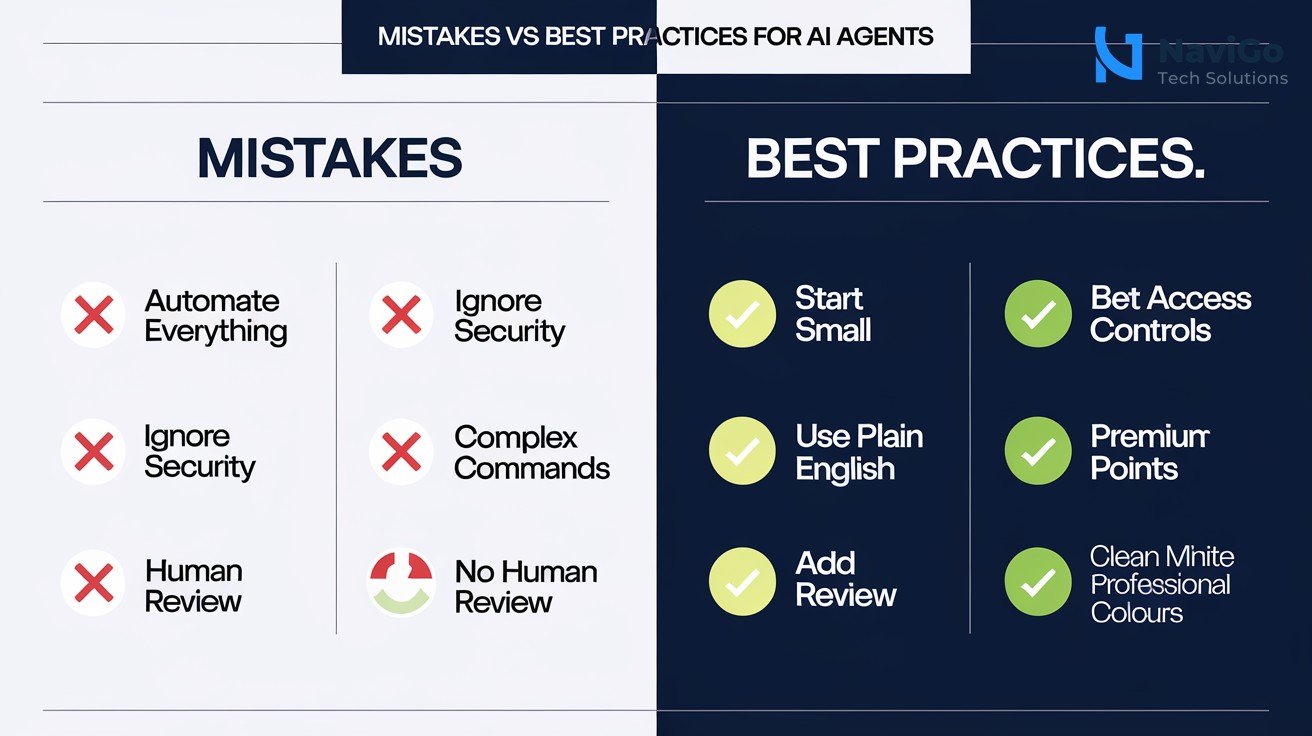
Mistake 1: Trying to Automate Everything at Once
The biggest mistake we see is the ambition to automate an entire business process in one go. An agent that tries to handle customer support, sales follow-ups, AND inventory management will likely fail or behave unpredictably. Start with one narrow, repetitive task. For example, automate only the “shipping confirmation” emails first. Once that runs smoothly for two weeks, move to the next task. Our guide on Indian businesses wasting money on digital marketing explains why a phased approach always wins.
Mistake 2: Ignoring Data Security and Governance
Managed agents run in sandboxed environments, but that does not mean you can ignore security. If your agent has access to customer data or financial records, you must define strict access controls. The Interactions API supports approval checkpoints and audit trails. Use them. Do not let your agent send emails containing sensitive data without a human reviewing the content first.
Mistake 3: Using Complex Technical Language in Agent Definitions
You define agents with plain English in Markdown files. Some teams write overly technical instructions that confuse the model. Keep it simple. Instead of writing “Execute a parametric query against the PostgreSQL database to retrieve last 30 days of sales transactions”, write “Get the last 30 days of sales data”. The agent will figure out the rest. If it needs more details, it will ask during the test phase.
Mistake 4: No Human Review Points
Automation does not mean zero human involvement. Set review checkpoints for critical decisions. For example, if the agent wants to change a price on your website, require human approval. If it wants to send a bulk email, require a confirmation. Managed agents support these checkpoints natively. Skipping them can lead to costly errors.
Managed Agents vs Traditional Automation Tools: Which Is Right for You?
Google AI managed agents are not the only option for business automation in India. You can also use traditional no-code tools like Zapier, desktop automation software, or hire a developer to build custom scripts. But managed agents offer a unique balance of power, simplicity, and cost-effectiveness. The table below compares them across key criteria.
| Feature | Google AI Managed Agents | Traditional No-Code Tools | Custom Code (Developer) |
|---|---|---|---|
| Setup time | 1 to 2 days | Few hours to 1 day | 2 to 4 weeks |
| Complex task handling | Very high (multistep, web, code) | Medium (prebuilt integrations only) | Very high (anything possible) |
| Cost per month (approx) | Rs 2,000 to Rs 10,000 | Rs 500 to Rs 5,000 | Rs 50,000 to Rs 2,00,000 |
| Security & governance | Built-in sandbox and audit | Basic access controls | Depends on developer skills |
| Maintenance effort | Low (managed by Google) | Low (tool handles updates) | High (developer needed) |
| Best for | Custom workflows, data tasks, web research | Templates, simple integrations | Complex backend systems |
For most Indian small business owners, managed agents strike the best balance. They give you enterprise-level automation at a fraction of the cost of custom development. If you want to explore how to integrate managed agents with your existing marketing or sales tools, our AI Ads and Automation service can create a complete workflow for you in just a few days.
Not sure which tool fits your business?
Our team at NaviGo Tech Solutions will set it up for you — free 30-minute strategy call.