- What a Gemini agent is and how it runs a business on autopilot
- Why Indian businesses should adopt this in 2026
- Practical steps to set up the agent for sales, support, and operations
- Common traps that stop the agent from working well
- How Gemini compares with Microsoft Copilot and other AI agents
What Is the Google Gemini Agent That Runs Your Business on Autopilot?
The Google Gemini agent that runs your business on autopilot is a suite of AI tools from Google Cloud, launched with the Gemini Enterprise revamp in April 2026. It is not a single bot. It is a platform that lets you build, deploy, and manage autonomous agents that handle repetitive tasks, make decisions, and even execute complex workflows over hours or days.
Think of it as a virtual team member that works 24/7 without salary, holidays, or coffee breaks. You tell it what to do once, and it keeps doing it until the job is done. For example, a Gemini agent can scan your sales data, generate leads, send follow-up emails, and update your CRM. All without you checking on it.
The key feature is the Agent Designer. This tool lets you create agents using natural language. You do not need coding skills. Just describe what you want, and the agent is built. You can also add human-in-the-loop checkpoints for tasks that need a final approval. This makes it safe for critical business decisions.
Another standout is the Deep Research agent. It can research competitors, analyse market trends, and prepare reports with citations. For a small business in Chennai, this means you get the same intelligence a big corporation pays crores for. And it happens in the background while you focus on growth.
Why Indian Businesses Need Gemini Agents in 2026
Indian small businesses face unique challenges. Limited budgets, small teams, and the need to do everything at once. The Google Gemini agent that runs your business on autopilot solves these problems directly. Here is why it matters now.
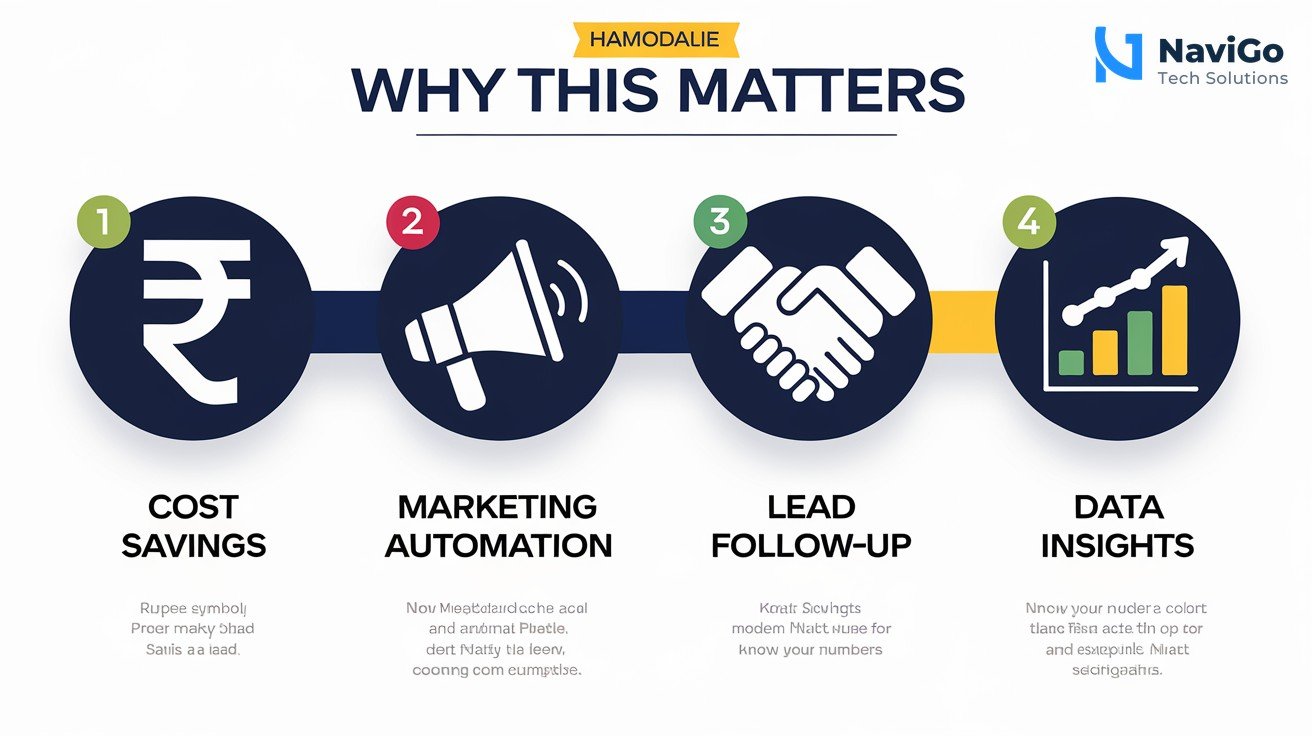
Cut operational costs without cutting corners
Hiring more people is expensive. A Gemini agent costs a fraction of an employee. It can handle customer support, data entry, and scheduling. For a salon in Chennai, an agent can book appointments, send reminders, and manage inventory. No extra salary needed. This alone can save you lakhs per year.
Scale your marketing efforts instantly
Marketing is the lifeblood of any business, but it takes time. Gemini agents can run AI digital marketing campaigns autonomously. They analyse customer behaviour, create personalised ads, and adjust budgets in real time. You can learn more about how this works in our guide to Google AI managed agents for Indian business automation.
Never miss a lead or a follow-up
Many Indian businesses lose leads because they forget to follow up. A Gemini agent tracks every interaction. It sends follow-up emails, WhatsApp messages, and even makes calls using AI voice. It ensures no opportunity slips through the cracks. This is especially useful for real estate agents, consultants, and service providers.
Make data-driven decisions without hiring a data analyst
The Data Insights agent is built into Gemini Enterprise. It scans your sales data, customer feedback, and website analytics. Then it gives you simple summaries and recommendations. You do not need a spreadsheet expert. You just need to read the report and act on it.
How to Set Up Your Gemini Agent: Step-by-Step Guide
Setting up the Google Gemini agent that runs your business on autopilot is straightforward. Follow these steps to get it working for your business today.
- Step 1: Sign up for Gemini Enterprise. Go to Google Cloud, select Gemini Enterprise, and start a free trial. It integrates with Google Workspace, which many Indian businesses already use. If you use Microsoft 365, that is also supported.
- Step 2: Use the Agent Designer to create an agent. Open the Agent Designer tool. Type a description in natural language, for example “Create an agent that handles customer refund requests. It should check order status, verify eligibility, and issue refunds through Razorpay.”
- Step 3: Add Skills for reusable actions. Skills are like building blocks. You can create a Skill for sending invoice emails, another for generating sales reports, and another for updating inventory. The agent uses these Skills automatically when needed.
- Step 4: Set up human-in-the-loop checkpoints. For sensitive actions like approving large refunds or firing a supplier, add a checkpoint. The agent pauses and asks for your approval via the Inbox command centre. You get a notification on your phone.
- Step 5: Deploy and monitor. Click deploy. The agent starts working. You can monitor all activity in the Inbox. It shows what the agent did, what it skipped, and what needs your attention. Over time, the agent learns and improves.
This whole process takes less than an hour for a basic agent. For complex workflows, you may need help from experts. At NaviGo Tech Solutions, we offer AI strategy consulting to help Indian businesses set up these agents correctly. We can also build custom AI agents and bots for your specific needs.
Common Mistakes Indian Businesses Make with AI Agents
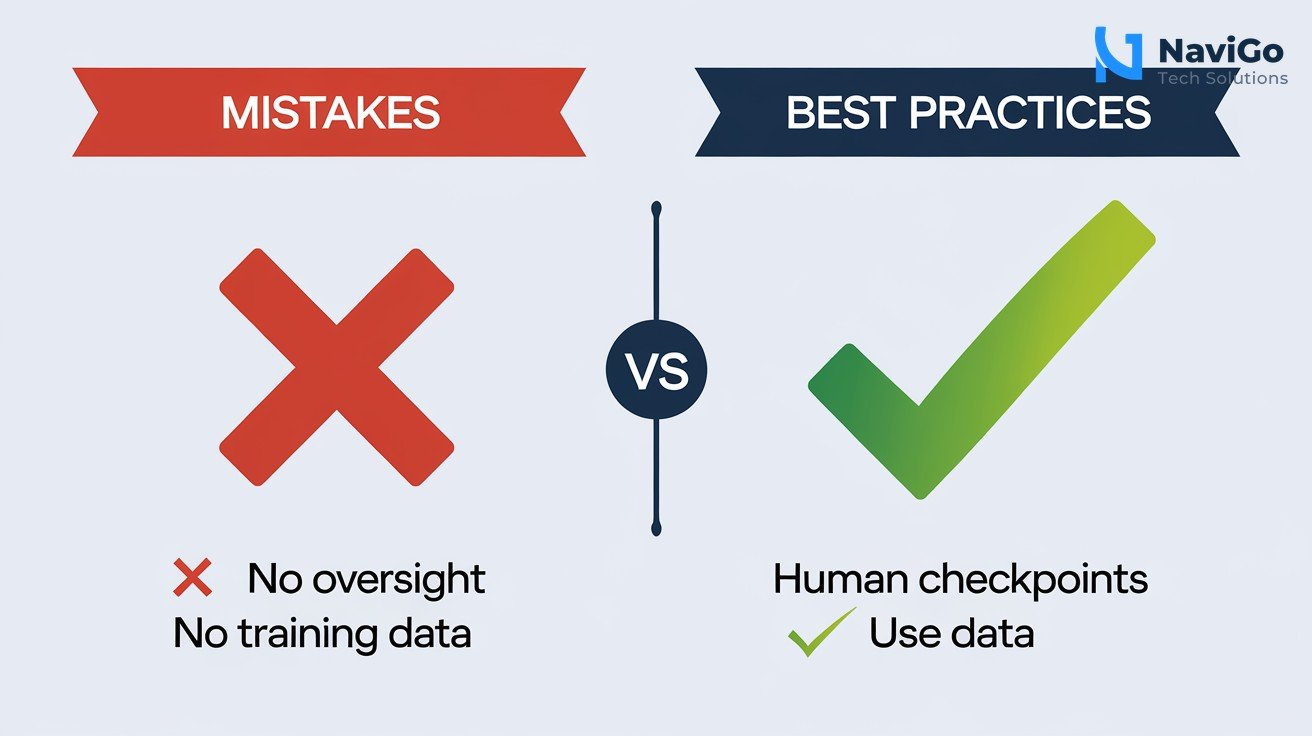
Even the best Google Gemini agent that runs your business on autopilot can fail if you use it wrong. Here are the mistakes to avoid.
Mistake 1: Not defining clear goals
Many businesses set up an agent without telling it exactly what to do. The agent then does random tasks that do not help your bottom line. Always define specific goals. For example, “Increase email sign-ups by 20 percent in one month.” The agent then works towards that goal.
Mistake 2: Skipping the human oversight
Agents can make mistakes. Without checkpoints, a billing agent might refund a customer twice. Always add human approval for financial decisions. The Inbox command centre makes this easy. You can review and approve or reject actions in seconds.
Mistake 3: Not training the agent with your data
Generic agents perform poorly. Feed your agent with past invoices, customer chats, and sales records. This helps it understand your business. Use the Data Insights agent to analyse your existing data first. Then build your agent on that knowledge.
Comparison: Gemini Enterprise vs Microsoft Copilot vs Other AI Agents
Choosing the right AI agent is important. Here is how Gemini stacks up against Microsoft Copilot and other tools in 2026.
| Feature | Gemini Enterprise | Microsoft Copilot | Other AI Agents |
|---|---|---|---|
| Agent Designer (no code) | Yes, natural language | Limited to templates | Varies |
| Long-running agents | Yes, hours or days | Not native | Some third-party |
| Data Insights agent | Built-in | Requires Power BI | Extra cost |
| Human-in-the-loop | Via Inbox command centre | Basic approval flows | Manual |
| Cross-platform support | Works with Workspace and Microsoft 365 | Works with Microsoft only | Usually single platform |
| Governance and security | Agent identity and registry built-in | Standard enterprise controls | Often weak |
For most Indian small businesses, Gemini Enterprise offers the best mix of power, ease of use, and cost. It is especially strong if you already use Google Workspace. If you use Microsoft tools heavily, Copilot may be a better fit. But Gemini works across both. For help choosing and setting up the right agent, contact us for a free consultation. We also wrote a guide on how Indian businesses can automate with AI agents.
Not sure which tool fits your business?
Our team at NaviGo Tech Solutions will set it up for you — free 30-minute strategy call.