- The exact purpose of the AWS Claude apps gateway for Indian teams
- How SSO replaces insecure per-developer cloud keys
- How central policies prevent unauthorised model usage and runaway costs
- How multi-cloud failover keeps your AI agents running even if one provider goes down
What Is the Claude Apps Gateway and How Does It Work?
The Claude apps gateway is a self-hosted control plane released by Anthropic on 29 June 2026. Its primary job is to simplify how development teams run Claude Code a powerful AI coding agent inside existing cloud environments like Amazon Bedrock, Google Cloud, or Microsoft Foundry.
Think of it as a smart middleman. Instead of giving each developer a direct cloud credential that lives on their laptop, the gateway sits between your team and the AI model. Developers authenticate using your company’s SSO provider, the gateway checks their permissions, and then securely routes requests to the chosen AI model. If one cloud provider has an outage, the gateway can automatically failover to another provider.
For Indian businesses, this is a game changer. Many startups and mid-sized firms in Chennai, Bangalore, Mumbai, and Hyderabad are already using Claude Code for tasks like generating boilerplate code, debugging, writing unit tests, and automating CI/CD scripts. But without a gateway, tracking who used what model and how much it cost was nearly impossible. The gateway solves that by giving you per-user cost attribution with daily, weekly, and monthly spend limits.
It runs as a single stateless container on Linux and needs a PostgreSQL database (version 14 or higher). It also acts as an OpenID Connect (OIDC) relying party, so it integrates with Azure AD, Okta, Google Workspace, or any SSO provider. Importantly, the gateway does not send your inference data to Anthropic unless you explicitly route traffic through the Claude API. Your telemetry stays with you.
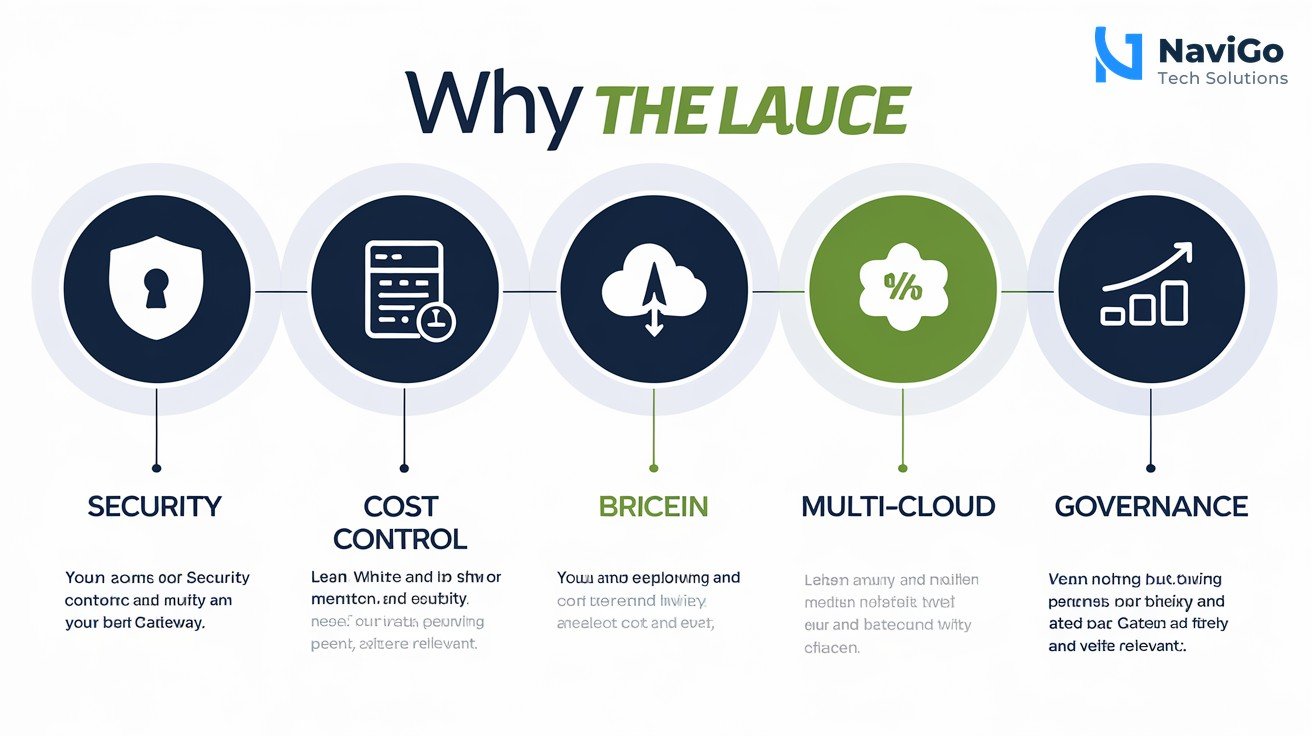
Why Indian Businesses Need the Claude Apps Gateway Now
Security and Compliance for AI Tools
Indian businesses that handle sensitive customer data or financial records cannot afford to have long-lived cloud secrets sitting on developer machines. A stolen laptop could expose your entire AWS account. The gateway replaces per-developer credentials with short-lived SSO sessions. This aligns with India’s evolving data protection laws and RBI guidelines for fintech firms. Your developers get the power of Claude Code without the security headache.
Cost Control and Budget Management
AI coding agents consume credits fast. Without a gateway, a junior developer could accidentally run a costly experiment that burns through your monthly budget in hours. The gateway lets you set per-user spend limits and view cost breakdowns by team or project. You can even enforce a maximum spend per day. This kind of control is especially valuable for Indian startups and SMBs that need to optimise every rupee.
Multi-Cloud Resilience
Cloud outages happen. In November 2025, Cloudflare went down, disrupting Twitter, ChatGPT, and hundreds of other websites in India. If your AI agents depend on a single cloud provider, an outage stops your development work. The gateway supports multi-cloud routing and optional failover across Amazon Bedrock, Google Cloud’s Agent Platform, and Microsoft Foundry. Your team keeps coding even if one provider has issues.
Telemetry and Governance for Regulated Industries
Banks, insurance companies, and healthcare providers in India need audit trails. The gateway sends per-request usage metrics over OTLP to a collector you control. You can log every API call, track which model was used, and generate compliance reports. This addresses the governance gaps that have kept many regulated firms from adopting AI agents.
For expert help setting up AI governance for your team, check out our AI Strategy Consulting services.
How to Deploy the Claude Apps Gateway: Step-by-Step
Deploying the gateway is straightforward if you follow these steps. You will need basic Linux and Docker knowledge.
- Step 1: Set up a PostgreSQL database. Ensure you have PostgreSQL version 14 or higher running. Create a dedicated database and user for the gateway. Make sure the database is accessible from your container host.
- Step 2: Configure your SSO provider. The gateway acts as an OIDC relying party. Register it with your identity provider such as Azure AD, Okta, or Google Workspace. You will need a client ID and client secret.
- Step 3: Pull the gateway container. The gateway ships inside the
claudebinary. Run the container on any Linux server that can reach your database and your cloud endpoints. - Step 4: Define your policies. Set up role-based access rules. For example, senior developers can use Claude Code on all provider models, while interns are restricted to a cheaper model with a daily spend cap of 500 rupees.
- Step 5: Connect your cloud providers. Add the API endpoints for Amazon Bedrock, Google Cloud Agent Platform, and Microsoft Foundry. Enable failover routing if you want automatic fallback.
- Step 6: Test with a small team. Roll out the gateway to 5 to 10 developers first. Monitor usage, check cost attribution, and verify that SSO sessions work correctly.
- Step 7: Go live and monitor. Once testing passes, expand access to your entire development team. Use the telemetry data to optimise costs and adjust policies.
Common Mistakes to Avoid When Using the Gateway
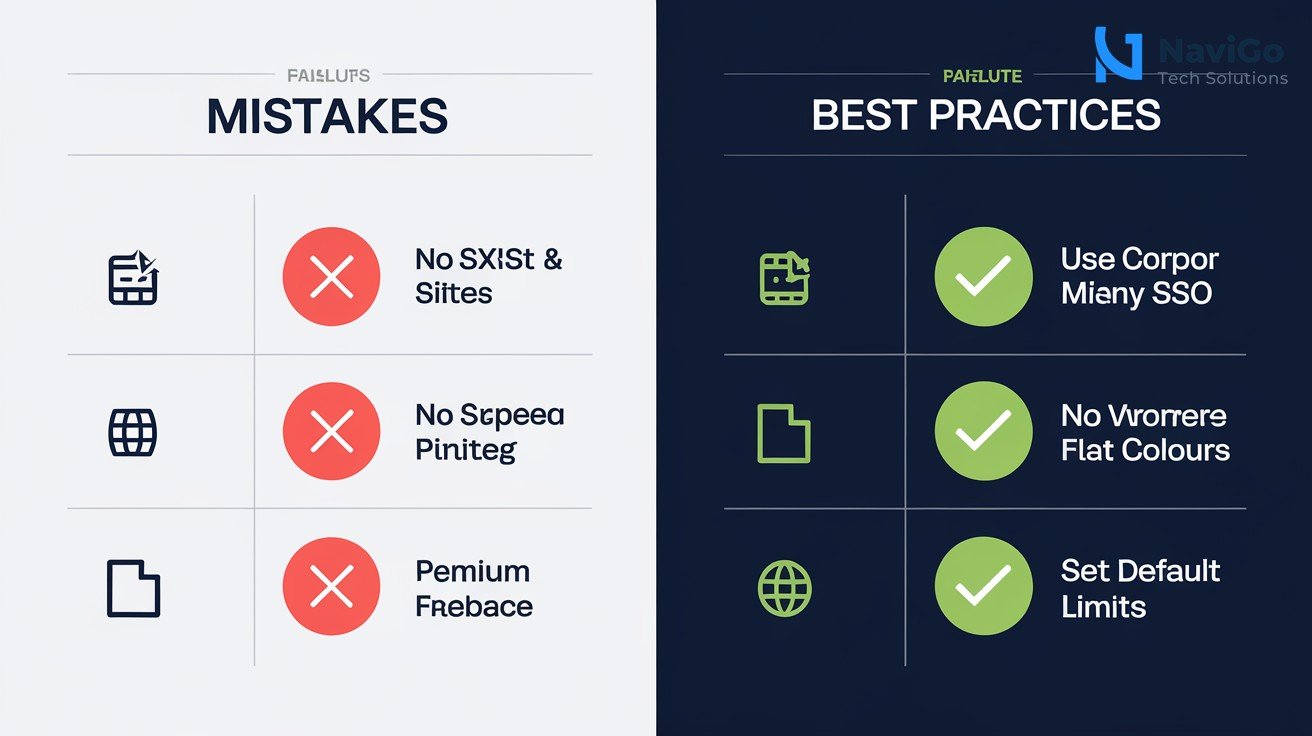
Mistake 1: Skipping SSO Integration
Some teams try to bypass SSO and use shared API keys to speed up setup. This defeats the purpose of the gateway. Without SSO, you lose audit trails and per-user cost attribution. Always integrate your corporate identity provider from day one. It takes an extra hour but saves weeks of headaches.
Mistake 2: Not Setting Spend Limits Early
Indian startups often underestimate how fast AI agents can burn through credits. A single developer running recursive code generation can cost tens of thousands of rupees in a day. Always set default spend limits before anyone starts using the gateway. You can relax them later as you understand your usage patterns.
Mistake 3: Ignoring Multi-Cloud Failover
Relying on a single cloud provider for AI is risky. Even AWS can experience regional outages. Configure at least two provider backends in the gateway. This keeps your development pipeline running even during cloud disruptions. If you are new to multi-cloud strategy, consider working with our AI Digital Marketing team to align your tech stack with business goals.
Mistake 4: Forgetting to Monitor Telemetry
The gateway generates detailed usage metrics, but many teams do not integrate it with their monitoring system. Set up an OTLP collector and connect it to your existing dashboard like Grafana or Datadog. Review reports weekly to spot anomalies and adjust policies quickly.
Claude Apps Gateway vs Other AI Gateways Comparison
Several options exist for managing AI agent access in enterprises. Below is a comparison of the Claude apps gateway with two common alternatives: direct cloud console access and third-party AI management platforms. This helps Indian businesses choose the right approach for their team size and budget.
| Feature | Claude Apps Gateway | Direct Cloud Console | Third-Party AI Manager |
|---|---|---|---|
| SSO Integration | Built-in OIDC support | Requires manual setup | Often included but costly |
| Per-User Cost Tracking | Yes, with weekly limits | No native tracking | Yes, but extra fees |
| Multi-Cloud Failover | Native support across 3 providers | Not available | Limited to two providers |
| Data Privacy | Telemetry stays with you | Depends on cloud policy | May send data to third party |
| Deployment Complexity | Moderate (container + DB) | Low | Moderate to high |
| Cost for Indian SMBs | Free software, pay for compute | Pay per API call | Monthly subscription + usage |
The gateway is ideal for Indian development teams with 20 or more developers who need governance. Smaller teams may start with direct console access and migrate to the gateway as they grow. For a broader look at how AI tools can transform your marketing and sales, see our guide on Google AI managed agents for Indian business automation in 2026.
Not sure which tool fits your business?
Our team at NaviGo Tech Solutions will set it up for you — free 30-minute strategy call.