- Inference recommendations cut deployment from weeks to hours
- Three-stage process: narrow configuration space, apply goal-aligned optimisations, benchmark with NVIDIA AIPerf
- Indian businesses can halve inference costs with throughput optimisation
- Available in 7 AWS regions, including Asia Pacific (Singapore)
What Are AWS SageMaker AI Inference Recommendations?
AWS SageMaker AI inference recommendations are a new feature launched on April 22, 2026. They automate the process of finding the best configuration to run a generative AI model in production. Instead of spending weeks manually testing different GPU types, batch sizes, and parallelisation settings, you now get validated recommendations with performance metrics in hours.
The tool uses a three-stage process. First, it narrows the configuration space by eliminating impossible or inefficient options. Second, it applies goal-aligned optimisations based on whether you care more about throughput, latency, or tensor parallelism. Third, it uses NVIDIA AIPerf — a modular component of NVIDIA Dynamo — to benchmark and rank the top configurations. AWS contributed to make the results statistically rigorous.
For example, a GPT-OSS-20B model running on a single ml.p5en.48xlarge instance (with H100 GPUs) can serve 2x more tokens at the same request latency. This effectively halves inference cost per token. The output is a SageMaker Model Package with instance-specific deployment configurations. You deploy it as a standard real-time endpoint or Inference Component.
Currently available in 7 AWS regions including Asia Pacific (Singapore), this is relevant for Indian firms using AWS Mumbai or Singapore endpoints. For AI strategy consulting tailored to your business, NaviGo Tech Solutions offers AI Strategy Consulting to help you plan your deployment.
Why Indian Firms Need This Tool Now
Reducing Deployment Time from Weeks to Hours
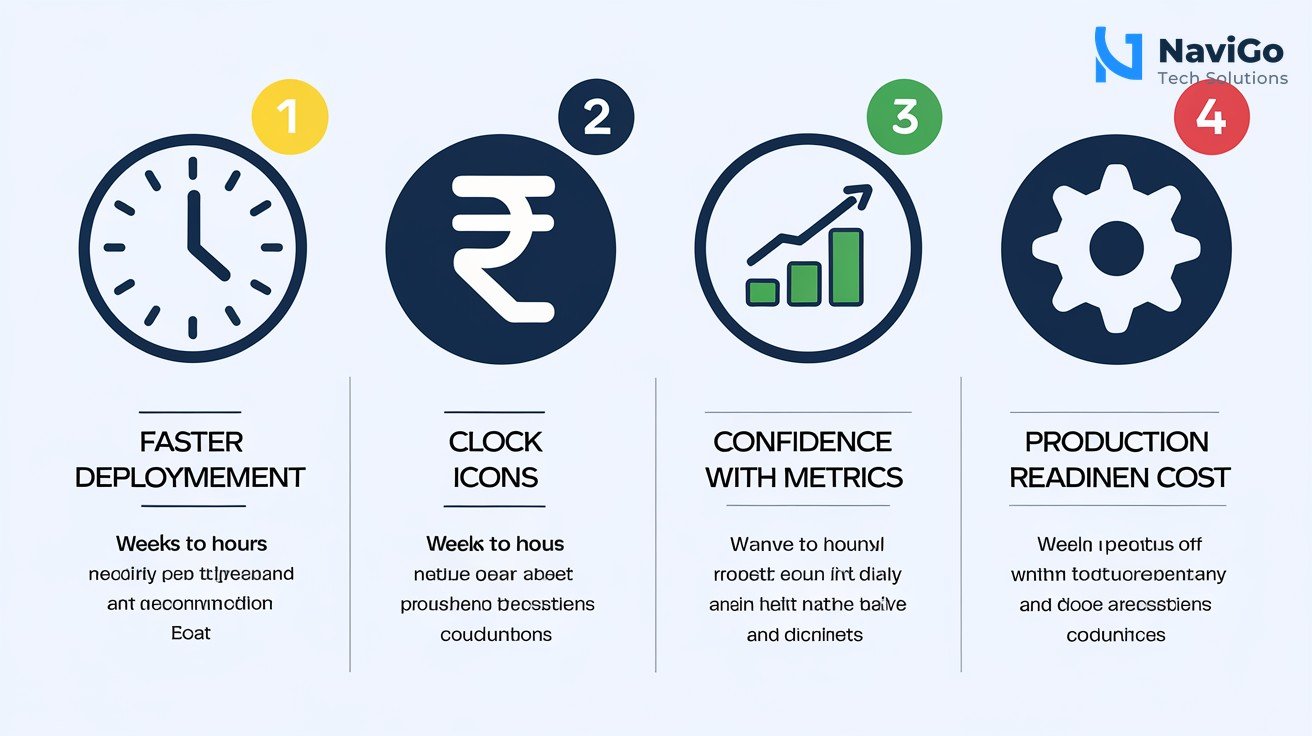
Indian startups and SMBs often lack dedicated MLOps teams. A typical AI model deployment takes 2 to 4 weeks of manual testing across GPU instances, batch sizes, and parallelism strategies. Inference recommendations collapse that into a single run of a few hours. For a Chennai-based edtech company launching a chatbot, this means going from concept to production in days.
Cutting Infrastructure Costs
GPU instances are expensive. An ml.p5en.48xlarge costs around ₹1,500 per hour on-demand. Over-provisioning — buying more GPU than needed — is common when teams guess optimal settings. Inference recommendations give you exact configurations, so you never waste compute. The throughput optimisation example with GPT-OSS-20B halving cost per token is a direct benefit for Indian firms on tight budgets.
Building with Confidence
The integration with NVIDIA AIPerf provides statistically grounded results — time to first token, inter-token latency, request latency percentiles (P50/P90/P99), throughput, and cost projections. Indian banks and fintechs that need predictable latency can rely on these numbers for compliance and SLAs.
Supporting India’s Move to Production AI
At AWS Summit 2026, the narrative shifted from pilot hype to production discipline. Indian companies are moving beyond experiments. Inference recommendations align with this by eliminating the guesswork. For businesses using SEO Optimization or other digital services, integrating AI inference can improve customer-facing responses without a big team.
How to Use Inference Recommendations Step by Step
Follow these five steps to deploy your model with optimised inference recommendations on SageMaker AI.
- Step 1: Prepare your model. Upload your generative AI model — like GPT-OSS-20B or a fine-tuned LLaMA variant — to Amazon S3 in a format SageMaker AI supports. Ensure your model artefacts are accessible from your AWS account.
- Step 2: Create a SageMaker AI notebook or use the SDK. Start a SageMaker Studio notebook or run the AWS SDK for Python (boto3). Import the SageMaker SDK and set up a session with your AWS region. For Indian firms, choose ap-south-1 (Mumbai) or ap-southeast-1 (Singapore) for low latency.
- Step 3: Initiate the inference recommendation job. Call the
sagemaker.create_inference_recommendations_jobAPI. Provide your model’s S3 path, the framework (PyTorch or TensorFlow), and a target metric — either throughput or latency. The tool will auto-discover eligible instance types. - Step 4: Review the ranked recommendations. Once the job completes, examine the output. You will see a list of instance types with performance metrics: time to first token, inter-token latency, P50/P90/P99 latency, throughput, and cost per thousand tokens. Pick the one that matches your budget and speed requirements.
- Step 5: Deploy using the Model Package. The recommendation output includes a SageMaker Model Package with pre-configured deployment settings. Use the standard
sagemaker.create_endpointAPI. Your model is now live with validated optimisations.
For deeper integration with AI-powered automation, explore AI Agents & Bots from NaviGo Tech Solutions to extend your inference endpoint into customer-facing tools.
Common Mistakes to Avoid
Ignoring the Cost Projection Reports
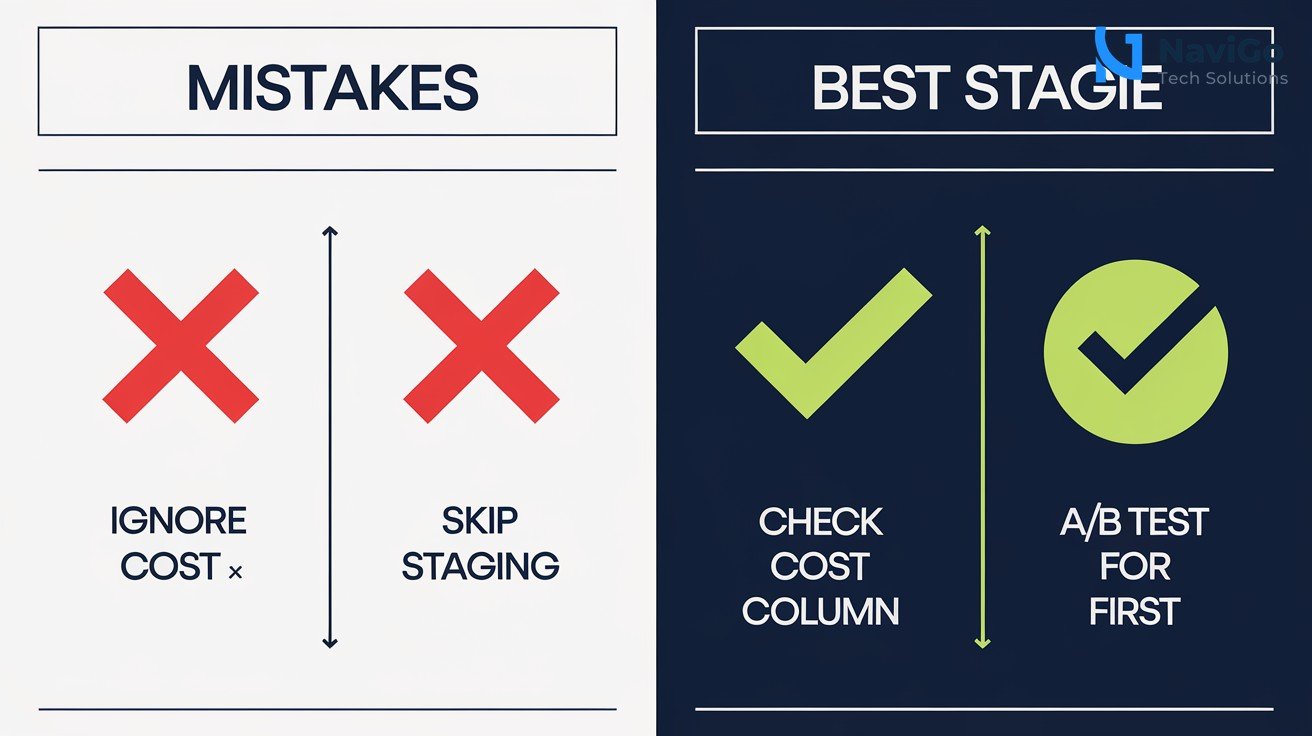
Many Indian firms skip the cost projection column in the recommendation output. This leads to choosing a high-throughput instance that costs 3x more than a balanced option. Always check the cost per thousand tokens before finalising. For example, an ml.p5en.48xlarge might offer lower latency but at ₹1,500/hour versus a p4d instance at ₹800/hour. The tool provides both numbers, so use them.
Deploying Without Validating in a Staging Environment
Inference recommendations are statistically rigorous, but production traffic patterns can vary. Deploying directly to a live endpoint without a staging test is risky. Use SageMaker’s A/B testing feature with Inference Components to send a small percentage of traffic to the new endpoint first. Monitor latency and error rates for at least 24 hours before cutting over.
Overlooking Regional Availability
As of launch, the feature is available in only 7 AWS regions. Indian firms must ensure their model and data stay in Mumbai (ap-south-1) or use Singapore. If you use a non-supported region, the inference recommendation job will fail. Check the AWS documentation for the latest regional updates.
Not Aligning Optimisation Goals with Business Needs
If you run a real-time customer chatbot, you want low latency. If you process batch responses, you want high throughput. The tool asks for a target metric — choose wisely. Many firms pick “latency” because it sounds better, but that can increase costs unnecessarily. For most Indian SMBs, a balanced throughput optimisation delivers the best ROI.
Inference Recommendations vs Traditional Deployment
Traditional AI deployment involves manual benchmarking across GPU instance types, batch sizes, and parallelism settings. Teams often spend 2 to 4 weeks guessing the right configuration, leading to over-provisioned infrastructure or poor performance. Inference recommendations replace this with an automated, data-driven approach that delivers validated configurations in hours.
The table below compares the two methods across key metrics important for Indian businesses.
| Metric | Traditional Deployment | Inference Recommendations |
|---|---|---|
| Time to production | 2 to 4 weeks | 2 to 4 hours |
| Cost estimation | Manual guesswork | Automated cost per token |
| Performance metrics | Basic latency only | P50/P90/P99, throughput, TTFT, inter-token latency |
| Optimisation goal | One-size-fits-all | Throughput or latency aligned |
| Risk of over-provisioning | High (40-60% waste) | Low (validated config) |
| Expertise needed | MLOps or data science team | Basic AWS SDK knowledge |
For Indian firms using AI Digital Marketing, this tool means you can deploy customer-facing AI tools faster and cheaper. NaviGo Tech Solutions can help you integrate these recommendations into your existing workflow.
Not sure which tool fits your business?
Our team at NaviGo Tech Solutions will set it up for you — free 30-minute strategy call.