- The core features of the Google Vids update, including digital avatars and Gemini Omni integration
- Three practical ways Indian businesses can use AI videos starring real people
- A step-by-step guide to creating your first video with your own avatar
- Common pitfalls when using AI video tools and how to fix them
What Is the Google Vids Update That Creates AI Videos Starring You
On July 16, 2026, Google announced a major update to its AI video creation tool called Google Vids. This tool is part of Google Workspace and is designed to help businesses create videos quickly without any technical skills. The standout feature is that you can now create a custom digital avatar that looks and sounds like you. You simply upload a selfie or a short video, and the system builds a realistic avatar tied to your Google account.
Your avatar is protected with SynthID, an invisible digital watermark that proves the video was created by AI. This is important for trust and transparency, especially if you plan to use the videos for marketing or client communication. The feature is available only to users aged 18 or older in certain regions, including India.
The second major update is the integration of Gemini Omni, Google’s multi-modal AI model. This allows you to write a text prompt and have the AI generate a full video based on your instructions. For example, you can ask Gemini Omni to swap the background, fix lighting in a phone-recorded video, or add effects. The AI supports step-by-step edits, so you can make changes during the video creation process without starting over.
For Indian small business owners, this means you no longer need to hire a video editor, buy expensive cameras, or spend hours in a studio. You can create professional-looking videos starring yourself using just a laptop or a phone. To learn more about how AI tools like this can transform your marketing, visit our AI Ads & Automation page.
Why This Update Matters for Indian Small Business Owners
Save Money on Video Production
Hiring a video production team in India can cost anywhere from Rs 10,000 to Rs 1,00,000 for a single video. With Google Vids, you can create unlimited videos for free as long as you have a Google Workspace account. This is a game-changer for small businesses that need multiple videos for social media, product demos, or training but have a tight budget.
Build Trust with a Real Face
Indian consumers trust businesses that show a human face. A video where your AI avatar explains your services feels personal and authentic. For example, a jewellery store in Coimbatore can use an AI video starring the owner to explain the quality of their diamonds. This builds trust faster than a generic text ad or a stock photo video.
Scale Content Quickly for Festive Seasons
During Diwali, Pongal, or wedding seasons, businesses need to create multiple videos for different promotions. With the Google Vids update, you can create a new video in under 10 minutes. Just change the text prompt and let Gemini Omni regenerate the video with a new background, script, or product mention. This allows you to scale your content without hiring extra help.
Integrate with Google Workspace Seamlessly
Since Google Vids is part of Google Workspace, your videos are stored in Google Drive. You can share them directly with your team, add them to Google Slides, or embed them in Google Sites. This removes the hassle of downloading, re-uploading, or managing file formats.
If you are new to AI tools for business, check out our guide on Top 25 AI Tools in 2026 for more ways to automate your marketing.
How to Create Your First AI Video Starring You in 4 Steps
Follow these four simple steps to create a professional AI video using the new Google Vids update. You need a Google Workspace account and a webcam or phone camera.
- Step 1: Open Google Vids and Sign In Log in to your Google Workspace account. Navigate to the Google Vids app from the Google Apps menu or use the direct link. If you do not see it, ask your admin to enable it.
- Step 2: Create Your Digital Avatar Click on the “Create Avatar” button. Upload a clear selfie or a short video of yourself. The AI scans your face, captures your expressions, and creates a 3D-like model. Make sure the lighting is even and your face is fully visible. Do not wear sunglasses or hats.
- Step 3: Write a Prompt for Your Video In the prompt box, describe what you want the video to show. For example: “I want a 30-second video where I explain how my bakery delivers fresh cakes in Chennai. Show a bakery counter background and use a friendly tone.” The AI uses Gemini Omni to generate the video.
- Step 4: Edit and Download Review the generated video. You can ask the AI to swap the background, adjust your tone, or shorten the duration. Once satisfied, click “Export” to save it to Google Drive. You can also share it directly to YouTube or social media.
This entire process takes about 5 to 10 minutes. For more advanced editing, you can use the Content Creation services from NaviGo Tech Solutions to polish your videos further.
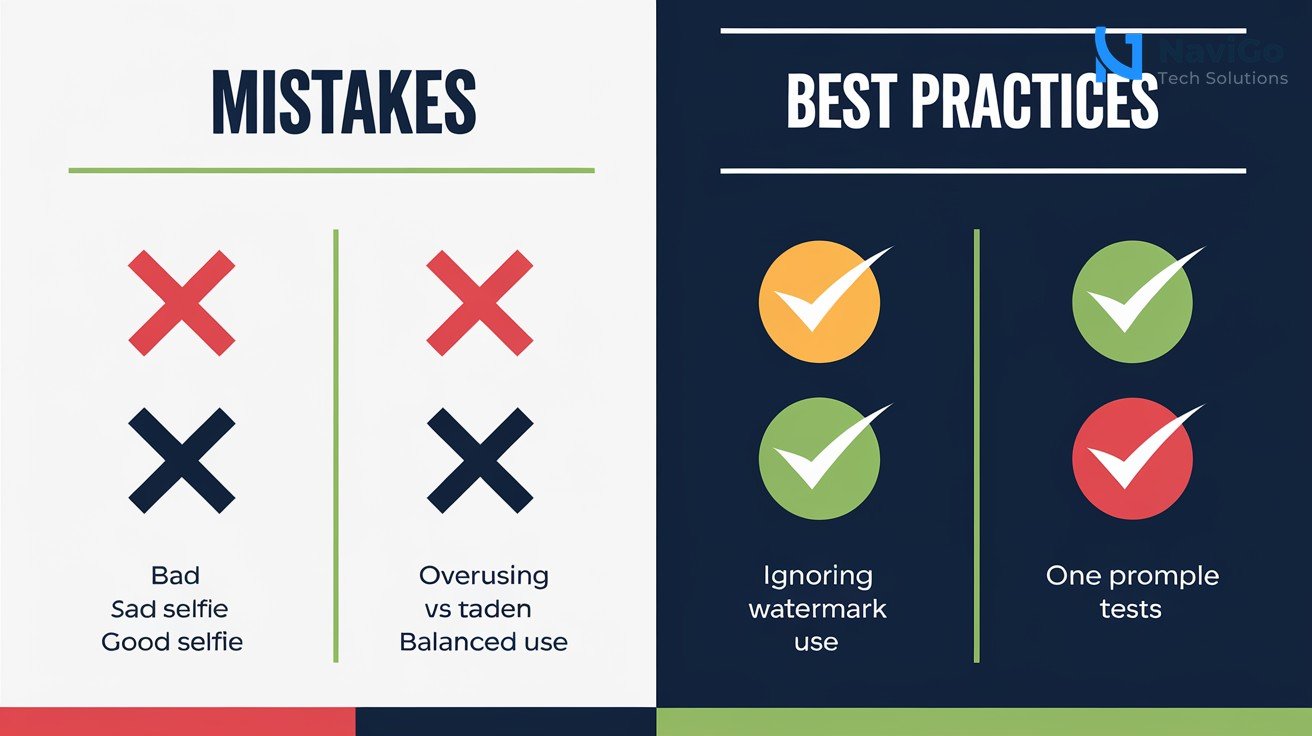
Common Mistakes When Using AI Avatars and How to Avoid Them
Mistake 1: Using a Low-Quality Selfie
If your selfie is blurry, has bad lighting, or shows a cluttered background, the AI will struggle to create a realistic avatar. Always use a well-lit, frontal photo with a plain background. This ensures your avatar looks professional and matches your actual appearance.
Mistake 2: Overpricing or Underusing the Avatar
Some business owners try to use the avatar for every single type of video. This can feel robotic. Use your avatar for personal messages, product introductions, or training. For generic announcements, use text or stock footage. Balance is key to keeping your audience engaged.
Mistake 3: Ignoring the Digital Watermark
Google places an invisible SynthID watermark on all AI-generated videos. This is not visible to viewers but can be detected by AI detection tools. If you plan to share the video on platforms that ban AI content, check their policies. The watermark helps build trust but may also limit where the video can be posted.
Mistake 4: Not Testing Different Prompts
Many users write one prompt and expect a perfect video. With Gemini Omni, you can experiment with different prompts. For example, compare “Explain my service in a formal tone” versus “Tell a funny story about my product.” Test 3 to 4 variations before settling on the final version.
For a deeper dive into AI tools that can help your business, read our blog on Google Gemini Agents to Automate Your Indian Business.
Comparing Google Vids with Other AI Video Tools
Google Vids is not the only AI video tool available in 2026. Competitors like HeyGen, Synthesia, and Captions offer similar features. However, Google Vids stands out because it is integrated into Google Workspace and is free for Workspace users. Below is a comparison to help you decide which tool fits your Indian business best.
| Feature | Google Vids | HeyGen | Synthesia |
|---|---|---|---|
| Cost | Free with Google Workspace (starting from Rs 150/user/month) | Paid plans start at $24/month | Paid plans start at $29/month |
| Avatar Customisation | Based on a single selfie, tied to Google account | Upload multiple photos, customise expressions | Pre-built and custom avatars available |
| Language Support for Indian Languages | Hindi, Tamil, Telugu, Bengali, Marathi, and more | English only | English, Hindi, and few others |
| Integration with Google Workspace | Fully integrated (Drive, Slides, Sites) | No direct integration | No direct integration |
| Video Editing Capabilities | Gemini Omni supports step-by-step edits, background swaps, lighting fixes | Basic editing | Advanced editing with templates |
| SynthID Watermark | Yes, invisible watermark | No | No |
For most Indian small business owners, Google Vids is the best choice because it is cost-effective, supports local languages, and integrates with tools you already use. If you need more custom avatars or advanced features, you can consider paid tools like Synthesia. To explore how AI can automate your entire marketing funnel, visit our AI Ads & Automation page.
Not sure which tool fits your business?
Our team at NaviGo Tech Solutions will set it up for you — free 30-minute strategy call.