- How fake AI traffic inflates your GA4 numbers and wastes ad spend
- Why Duane Forrester’s 2026 audit matters for Indian businesses
- How to apply GA4 bot filters and create a human traffic segment
- How cleaned analytics can increase your real conversion rate by 15 to 25 percent
What Is Fake AI Traffic and Why Is It Flooding Your Analytics?
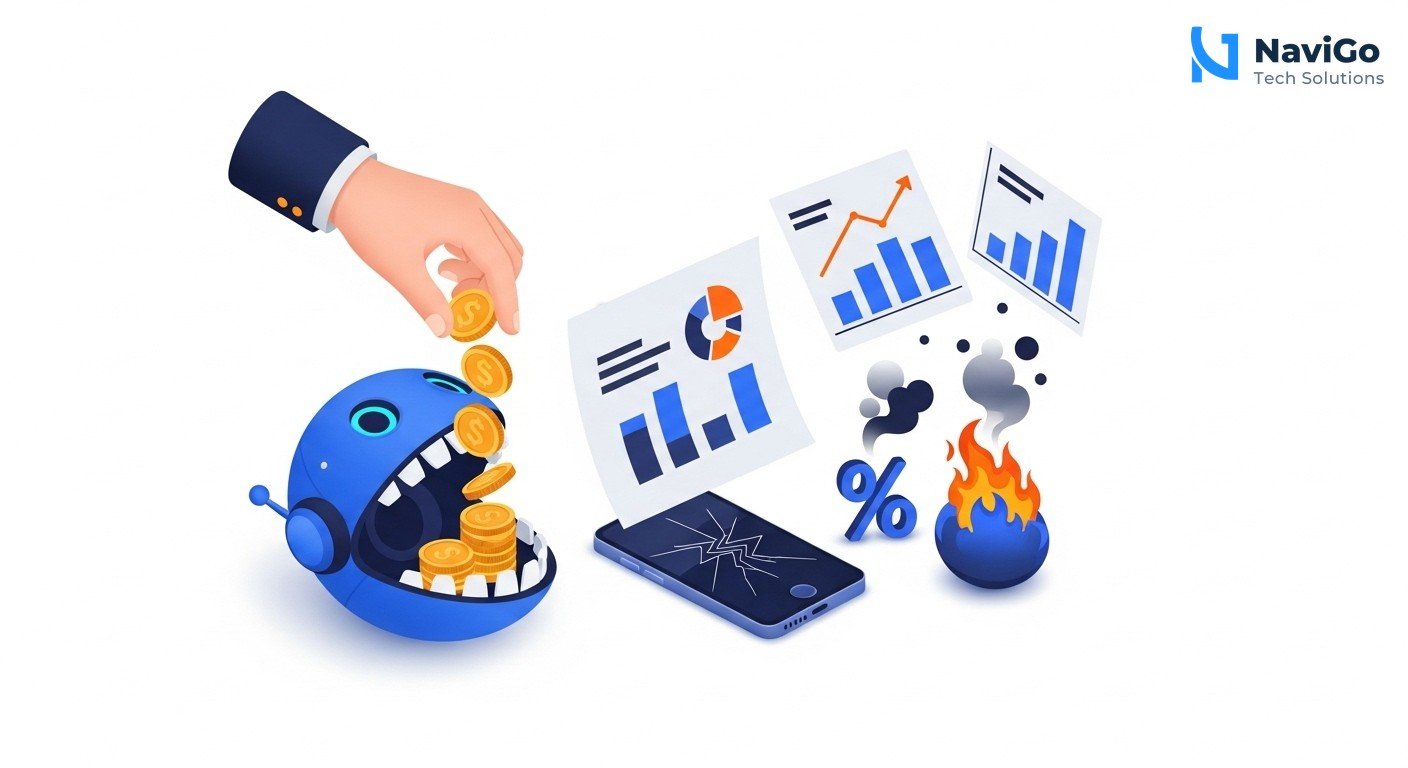
Fake AI traffic is traffic in your Google Analytics 4 property that claims to come from AI assistants like ChatGPT, Claude, or Gemini, or from Googlebot, but is actually generated by scripts, scrapers, and malicious crawlers. These bots spoof legitimate user-agent strings to bypass detection and collect data from your site.
In a June 2026 audit, Duane Forrester of Search Engine Journal analysed thousands of sessions and found that 81.8 percent of traffic labelled as AI assistant was fake. Among requests carrying the Googlebot name, only 13.4 percent were verified real Googlebot. That means 692 out of 799 Googlebot requests were imposters.
Where does this traffic come from? Competitors run price-scraping scripts. Data brokers deploy crawlers to harvest content. Bad actors use bots to test vulnerabilities or inflate ad metrics. Your site is probed constantly, and many of these bots disguise themselves as legitimate AI crawlers so they can bypass basic filters.
For a small business owner in Chennai or Mumbai, this is not just a theoretical problem. If your GA4 shows 10,000 sessions and 3,000 of those are bots, your reported conversion rate of 2 percent is actually closer to 2.9 percent on real humans. That 30 percent gap can lead you to make wrong decisions about ad budgets, product pages, and landing page design. You think a campaign is underperforming when it is actually doing fine, or you think mobile traffic is solid when bots are distorting desktop numbers.
Why Fake AI Traffic Matters for Your Business in 2026
It Wastes Your Advertising Budget
Google Ads and Meta Ads use automated bidding algorithms that optimise for signals like conversion rates, session duration, and clicks. When bots inflate these signals, the algorithm learns the wrong patterns. You might bid higher on keywords that bots click on but real customers ignore. A Karachi fashion store was spending PKR 150,000 a month on Meta and Google Ads. After cleaning bot traffic, they found their real cost per acquisition was 25 percent lower than polluted reports suggested.
It Distorts Device Reports
Most bot traffic comes from desktop machines. In a mobile-first market like India, where real audiences are often over 90 percent mobile, a flood of desktop bots can make your device report show 70 percent mobile and 30 percent desktop. That false desktop ratio might cause you to invest in desktop landing pages or desktop ad formats that your real customers never see. The same problem was observed in Pakistan, where 188.9 million cellular connections exist against 111 million internet users, but desktop bot traffic skewed analytics.
It Hides Your Real Conversion Rate
If your GA4 reports 5,000 sessions and 200 conversions, you think your conversion rate is 4 percent. But if 2,000 of those sessions are bots that never convert, your real conversion rate on 3,000 human sessions is 6.7 percent. That uplift of 2.7 percentage points could change how you judge your marketing channels. Many Indian businesses that clean their analytics see their true conversion rate land 15 to 25 percent above what polluted reports showed.
It Affects AI Visibility Metrics
Moz’s 2026 guide to AI visibility recommends splitting reporting into Tier 1 (revenue, orders, leads) and Tier 2 (AI visibility and referral metrics). Tier 1 are your real north stars. If fake AI traffic pollutes Tier 1, you cannot trust any of your data. Without clean analytics, you cannot accurately measure whether your content ranks well in AI search results or drives real customer actions.
Step-by-Step Guide to Fix Fake AI Traffic in GA4
- 1. Enable built-in bot filtering in GA4. Go to Admin > Data Streams > your web stream > Configure tag settings > Show all > Define internal traffic. Turn on the toggle for “Exclude list of known bot and spider traffic.” This blocks common bots from all your reports. It is a quick first step, but it does not catch spoofed AI assistants or custom crawlers.
- 2. Create a “Likely Human” segment. In GA4, go to Configure > Audiences > New Audience. Set conditions: Sessions > 10 seconds AND Pages per session > 1 AND Screen resolution is not empty. This eliminates most one-hit bot visits. Apply this segment alongside your unfiltered view to compare numbers.
- 3. Filter by user-agent string. Use GA4’s built-in event parameter “user_agent” or send a custom “client_hints” parameter. Look for patterns like “Googlebot/2.1” without proper verification, “ChatGPT-User” without a real user session, or generic “python-requests” headers. You can create a regex filter to block these.
- 4. Set up a secondary view for unfiltered data. Always keep one unfiltered GA4 property or data stream so you can audit changes. Create a second property or use Explore to build a custom report that only includes the human segment. This gives you a clean baseline for decision making.
- 5. Verify Googlebot traffic using reverse DNS. Real Googlebot always has a reverse DNS entry that resolves to googlebot.com or google.com. If you see a Googlebot header but the IP does not reverse-resolve, mark it as fake. For most small businesses, this step requires a developer or a tool like Botify.
- 6. Monitor monthly and reapply filters after GA4 updates. GA4 changes its data schema occasionally. Check your bot traffic percentage every 30 days. If you see a sudden spike, reapply your filters and verify that no new bot variant is slipping through.
For a thorough cleanup, consider hiring an expert. In India, a one-time GA4 bot filtering setup typically costs INR 15,000 to INR 40,000, and ongoing analytics support costs INR 20,000 to INR 60,000 a month. That is often cheaper than the ad budget you waste on bots in two months.
Common Mistakes Indian Businesses Make When Filtering Bots
Mistake 1: Relying Only on Built-in Bot Filters
GA4’s default bot filter blocks only a handful of known bots. It does not block spoofed Googlebot or AI assistant headers. Many small business owners think they are safe after toggling that one switch. They are not. You must combine built-in filters with custom segments and user-agent checks to catch the 81.8 percent of fake AI traffic.
Mistake 2: Filtering Too Aggressively
Some businesses block all traffic from certain IP ranges or all unknown user agents. This can accidentally block real users on mobile networks, VPNs, or corporate proxies. Always keep an unfiltered view so you can compare numbers and reverse any over-filtering. A good rule is to never block more than 90 percent of a single traffic source unless you are certain it is safe.
Mistake 3: Ignoring Google Ads Automated Bidding
Even if you clean your GA4 reports, your Google Ads account may still be optimising against polluted conversion data if you use automated bidding. You need to reimport clean conversion data or switch to manual bidding until your analytics settle. For more guidance, see our guide on PPC advertising in 2026.
Mistake 4: Not Training Your Team
If your marketing manager or freelancer does not know how to read a human-only segment, they will keep making decisions based on polluted data. Spend 30 minutes walking them through the segment creation process and the difference between filtered and unfiltered views. A one-time training session can save you months of wrong decisions.
Bot Detection Tools Comparison: Manual vs Automated
Choosing between manual GA4 filtering and an automated bot detection tool depends on your budget, technical skill, and traffic volume. For most Indian small businesses with fewer than 50,000 sessions per month, manual filtering using GA4 segments and built-in filters is sufficient. For larger sites or those with significant ad spend, an automated tool can save time.
| Feature | Manual GA4 Filtering | Automated Tool (e.g. Botify, ClickCease) | Hybrid Approach |
|---|---|---|---|
| Setup cost | Free (your time only) | INR 5,000 to 25,000 per month | INR 15,000 one-time + INR 5,000 monthly |
| Bot detection rate | 60 to 70 percent | 90 to 95 percent | 85 to 90 percent |
| False positive risk | Low if careful | Medium (some tool mistakes) | Low (human override available) |
| Time required weekly | 1 to 2 hours | 15 minutes | 30 minutes |
| Best for | Startups and small shops with 10K sessions | Ecommerce stores with high ad spend | Growing businesses that value both accuracy and cost |
| Technical skill needed | Basic GA4 knowledge | Low (tool handles it) | Moderate GA4 + tool setup |
If you want professional help cleaning your analytics and building a custom bot detection strategy, see our AI Digital Marketing services at NaviGo Tech Solutions.
Not sure which tool fits your business?
Our team at NaviGo Tech Solutions will set it up for you — free 30-minute strategy call.