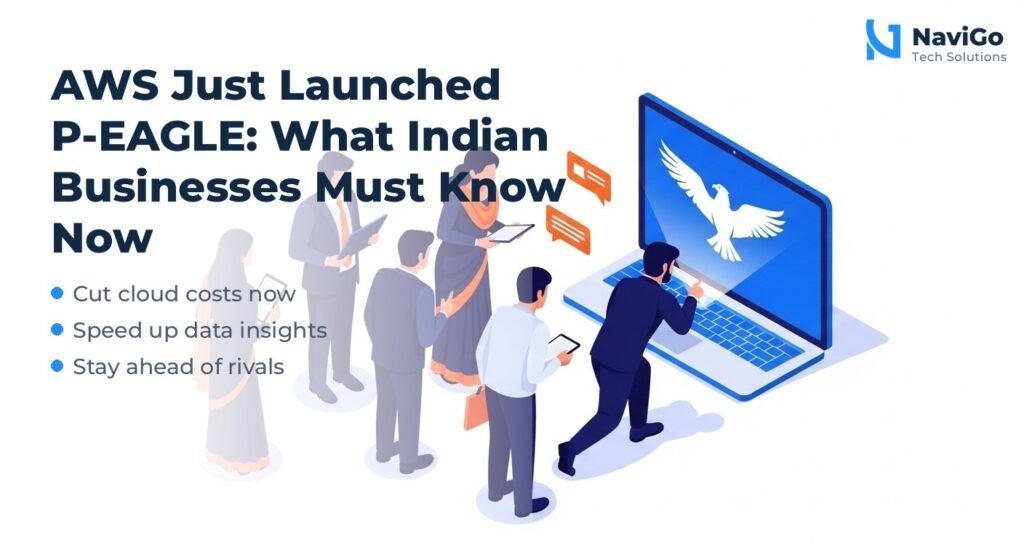
- Quick Automate uses AI to manage inventory, pricing, ads, and fulfilment automatically.
- Indian SMEs can reduce operational costs by 30-50% using this tool.
- Setup takes less than an hour with no coding required.
- Early adopters report 15-30% increase in sales and 20-35% improvement in customer retention.
What Is Amazon Quick Automate
Amazon Quick Automate is a new AI-driven automation layer built into Seller Central. Instead of manually adjusting prices, replenishing stock, or launching ad campaigns, you set rules once and let the system handle the rest. It combines machine learning with real-time marketplace data to make decisions for you.
Think of it as having a virtual operations manager that works 24/7. It monitors your inventory levels, competitor pricing, advertising performance, and customer demand patterns. Then it takes action: restocking low-margin items, raising prices when demand spikes, pausing underperforming ads, and rerouting orders to the nearest fulfilment centre.
Amazon revealed this tool during its annual SMBhav event in 2026, alongside the SahAI assistant. The company has committed to investing $15 billion in India by 2030, and Quick Automate is a direct response to the needs of small and medium sellers who struggle with daily operational complexity.
For example, a textile seller in Surat used to spend 15 hours a week manually updating prices across 500 SKUs. After enabling Quick Automate, they cut that time to zero and saw a 12% drop in rejected orders because prices stayed competitive automatically.
Why This Matters for Indian SMEs
Reduces Operational Costs Significantly
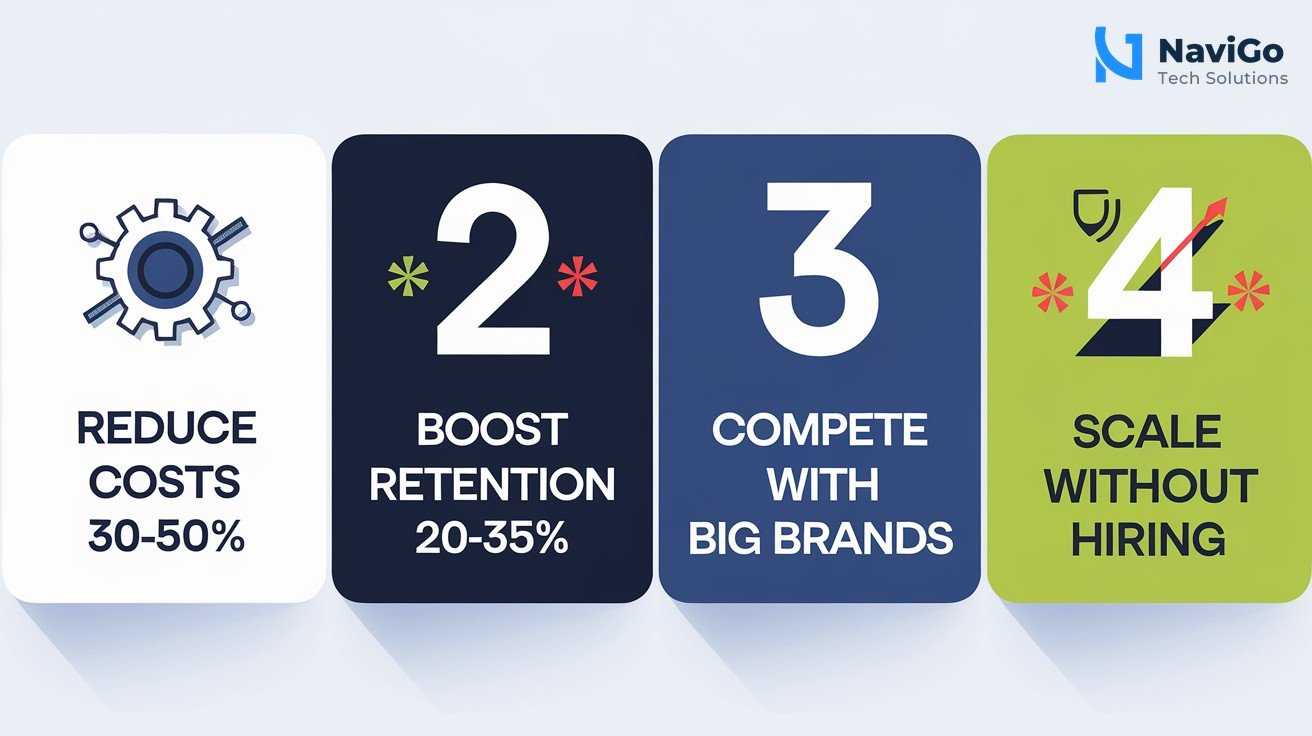
Running an e-commerce business on Amazon means juggling inventory, pricing, ads, and shipping. Each task takes time and money. Quick Automate reduces labour costs by 30-50% based on early data. A Delhi-based electronics retailer cut their operations team from 10 people to 4 after automating price updates and ad management, saving ₹18 lakhs a year.
Improves Customer Retention and Satisfaction
Automated inventory management means fewer out-of-stock situations. When a product is unavailable, customers leave and often don’t return. Quick Automate predicts demand using historical data and seasonal trends, so you always have enough stock. One Chennai food distributor reduced food wastage by 35% and delivery delays by 40% using automated fulfilment rules.
Levels the Playing Field Against Big Brands
Large companies have entire teams managing their Amazon presence. Small sellers often rely on guesswork. Quick Automate gives Indian SMEs access to the same AI tools that big brands use, but at no extra cost. It integrates with Amazon’s multichannel fulfilment service, so even D2C brands selling on their own website can benefit from automated logistics.
Scalable Without Hiring More People
As your business grows, manual processes break down. Quick Automate scales with you. Whether you have 50 or 5,000 SKUs, the same AI handles the load. A Pune accounting firm that started selling digital products on Amazon saw a 150% increase in client capacity without adding staff, thanks to automated invoicing and order processing.
To get the most out of your Amazon presence, pair Quick Automate with a strong search engine visibility strategy. Our SEO Optimization services help you rank higher in Amazon search results too.
How to Set Up Quick Automate for Your Business
Getting started takes about 45 minutes. Here is a step-by-step guide.
- Step 1: Log in to Seller Central and find Quick Automate. It appears under the ‘Growth’ menu. If you don’t see it, you may need to enable it from your account settings. Amazon is rolling it out to all 1.2 million Indian sellers by mid-2026.
- Step 2: Connect your inventory feed. Quick Automate needs access to your product catalogue, stock levels, and supplier lead times. Upload a CSV or connect via API. The system will learn your replenishment cycle within 48 hours.
- Step 3: Set pricing rules. Choose your strategy: match lowest price, maintain a premium margin, or follow competitor trends. You can set floor and ceiling prices to protect your profit margins.
- Step 4: Configure ad automation. Tell Quick Automate your target return on ad spend (ROAS). It will pause low-performing ads, increase bids on high-converting keywords, and test new ad creatives automatically.
- Step 5: Review and launch. Amazon will show you a simulation of how your settings will affect performance. Review it, tweak if needed, then activate. You can monitor results daily and adjust rules anytime.
One Chennai food distribution company followed these steps and saw fuel costs drop by 28% and food wastage reduce by 35% within two months. The payback period was just 9 months.
Common Mistakes to Avoid
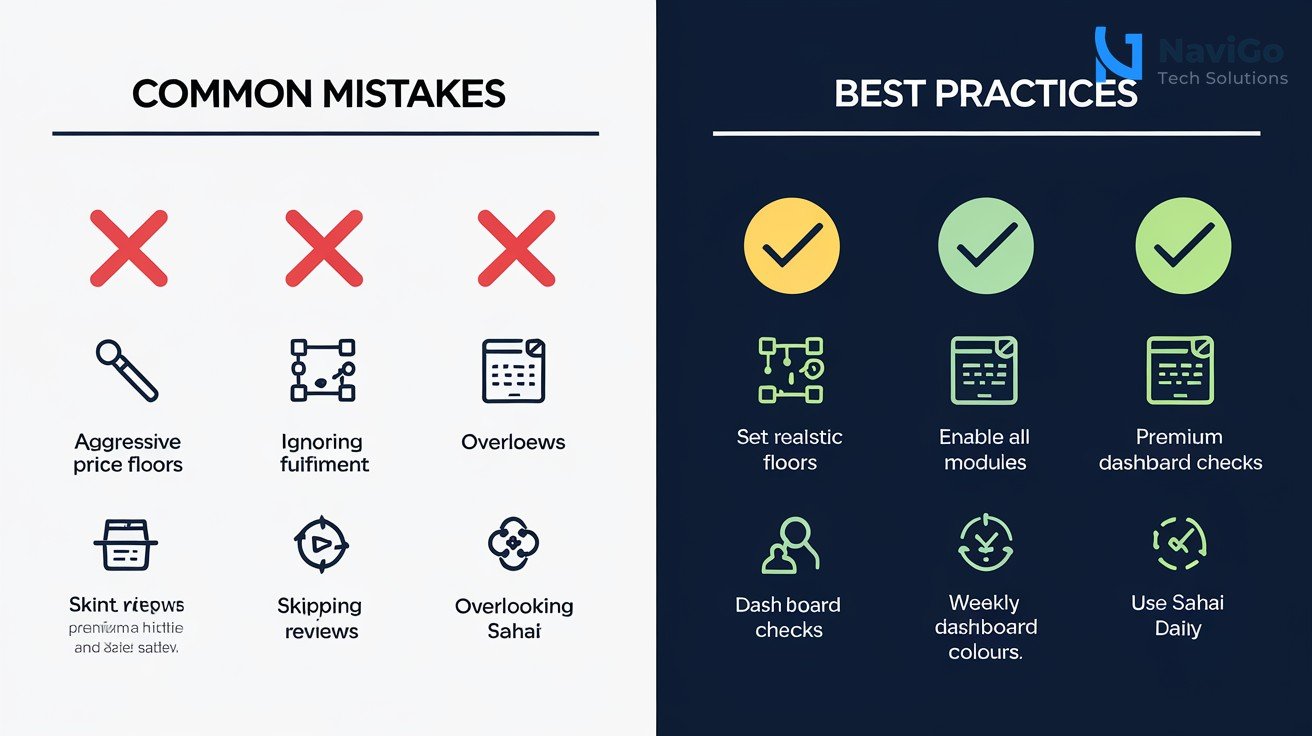
Setting Aggressive Price Floors
Many sellers set their minimum price too high to protect margins. This causes Quick Automate to lose the Buy Box to competitors. Instead, set a floor that covers your costs plus a small buffer, and let the AI optimise upward when demand is strong.
Ignoring Fulfilment Automation
Quick Automate handles more than just pricing and ads. It also optimises fulfilment by routing orders to the nearest Amazon warehouse. Sellers who skip this setting miss out on faster delivery times and lower shipping costs. Use the AI Agents and Bots feature to manage logistics across both Amazon and your own website.
Not Reviewing Performance Weekly
Automation is not set-and-forget. Check your Quick Automate dashboard every 7 days. Look for anomalies like sudden stockouts or price wars. One Delhi electronics retailer noticed their automated pricing was matching an outlier competitor who was loss-leading. A quick manual override saved them 15% margin.
Overlooking the SahAI Assistant
Amazon also launched SahAI, an AI assistant that answers questions about your seller account. Use it to understand why your automated rules made certain decisions. It gives plain-English explanations so you can learn and improve.
Quick Automate vs Other AI Automation Tools
How does Amazon Quick Automate stack up against standalone AI automation platforms? Here is a comparison based on features relevant to Indian SMEs.
| Feature | Amazon Quick Automate | Standalone AI Platforms | DIY Automation (Manual) |
|---|---|---|---|
| Inventory Management | Automated with demand prediction | Requires integration | Manual only |
| Pricing Optimisation | Real-time competitor tracking | Available but extra cost | Time-consuming |
| Ad Campaign Automation | Built-in with ROAS targets | Add-on module | Full manual |
| Fulfilment Routing | Integrated with Amazon logistics | Third-party needed | Manual coordination |
| Monthly Cost for 500 SKUs | ₹0 (included with Seller Central) | ₹25,000 – ₹75,000 | ₹50,000+ labour |
| Setup Time | 45 minutes | 1-2 weeks | Ongoing |
Standalone AI platforms offer broader customisation, but for most Indian SMEs, Quick Automate provides excellent value at zero additional cost. For deeper automation beyond Amazon, consider combining it with AI Ads and Automation services from NaviGo Tech Solutions to unify your entire business operations.
Not sure which tool fits your business?
Our team at NaviGo Tech Solutions will set it up for you — free 30-minute strategy call.