- GPT-5.6 comes in three cost-effective variants: Sol, Terra, and Luna
- ChatGPT Work integrates with tools like Slack, Gmail, and Google Drive
- Indian businesses can save up to 60% on automation costs with the Luna variant
- Step-by-step guide to deploying GPT-5.6 for your business needs
What is GPT-5.6 and ChatGPT Work?
OpenAI released GPT-5.6 on July 9, 2026, marking a major step forward in AI-powered business automation. Unlike earlier models that were primarily conversational, GPT-5.6 is built for professional work. It can understand broad goals, create detailed plans, and execute complex, multi-step tasks with minimal human input.
ChatGPT Work is the new workspace that serves as the platform for GPT-5.6. It integrates with business tools including Slack, Gmail, Google Drive, Microsoft Teams, SharePoint, and customer relationship management systems. This means your AI assistant can pull data from across your organisation, analyse it, and produce outputs like reports, dashboards, or even code.
For Indian small business owners, this is a game-changer. You no longer need a team of data analysts or software developers. ChatGPT Work can handle tasks like preparing monthly sales reports, updating inventory records, generating email campaigns, and automating customer follow-ups. All this happens at a cost that starts as low as $1 per one million input tokens.
The model comes in three variants. Sol is the flagship for advanced reasoning and complex tasks. Terra offers balanced performance at a moderate price. Luna is the most affordable option, designed for speed and efficiency. You can choose the variant that matches your budget and complexity needs. This flexibility makes GPT-5.6 accessible to Indian businesses of all sizes.
Why GPT-5.6 Matters for Indian Business Automation
Indian businesses face unique challenges. Labour costs are rising, skilled talent is hard to find, and competition from larger players is intense. GPT-5.6 addresses all three problems directly. It automates repetitive tasks, reduces dependence on expensive specialists, and gives small businesses the same tools that large enterprises use.
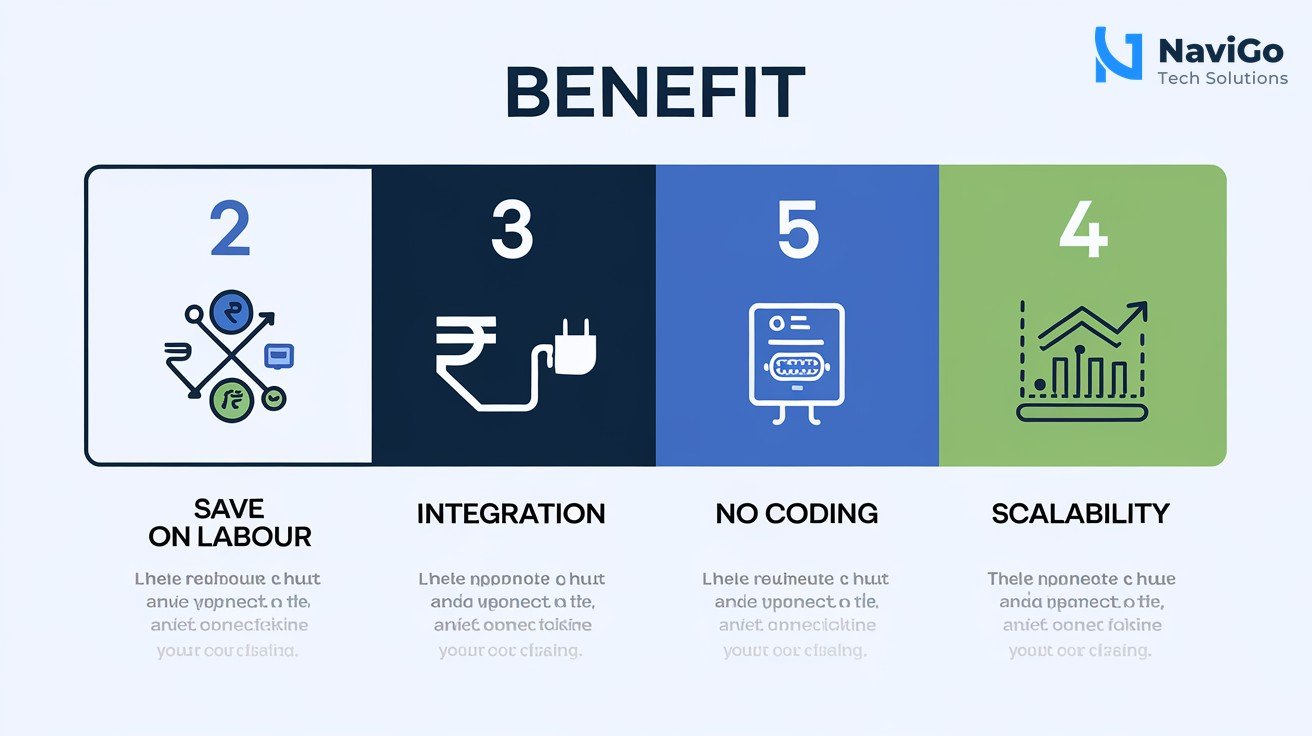
Cost Reduction Across Operations
The Luna variant costs just $1 per one million input tokens. For a small business sending out 500 customer emails a month with personalised content, the AI cost is negligible. Compare this to hiring a marketing assistant at Rs 25,000 per month. The savings are clear. Even the Terra variant at $2.50 per million tokens is affordable for most Indian businesses. You can automate data entry, report writing, and basic customer support without adding headcount.
Integration with Existing Tools
ChatGPT Work connects directly with platforms you already use. If you use Gmail for communication, Google Drive for documents, and Slack for team collaboration, ChatGPT Work can access these systems. It can compile data from different sources, analyse trends, and send you a summary. This eliminates the need to manually copy data between tools, saving hours every week.
No Coding Required
Earlier AI automation tools required technical skills. You had to write scripts, set up APIs, or hire developers. GPT-5.6 changes that. ChatGPT Work is designed for non-programmers. You can describe what you need in plain English, and the AI builds the workflow for you. For example, you can say, “Create a weekly sales report from our Google Sheets data and email it to the team,” and the AI handles everything.
Scalability Without Extra Cost
As your business grows, your automation needs grow too. GPT-5.6 scales effortlessly. You can start with one agent handling a single task and expand to multiple agents managing entire departments. The cost per task remains low, and you only pay for what you use. This makes it ideal for Indian businesses that want to experiment with automation before committing to larger investments.
Step-by-Step Guide to Automate with GPT-5.6
Implementing GPT-5.6 for your Indian business is straightforward. Follow these steps to get started quickly and avoid common pitfalls.
- Step 1: Identify repetitive tasks. List tasks that consume more than two hours per week. Common examples include data entry, email responses, report generation, and inventory tracking. Focus on tasks that follow clear rules and patterns.
- Step 2: Choose your GPT-5.6 variant. If your task is simple and requires speed, use Luna at $1 per million input tokens. For moderate complexity, choose Terra at $2.50. For advanced tasks like financial modelling or custom software development, go with Sol at $5.
- Step 3: Set up ChatGPT Work. Download the redesigned ChatGPT desktop app for Windows or macOS. Log in with your ChatGPT Pro, Enterprise, or Edu subscription. Connect your business tools like Gmail, Google Drive, and Slack from the settings menu.
- Step 4: Create your first agent. Describe the task in plain English. For example, “Generate a daily sales summary from our Google Sheets data and email it to the team at 9 AM.” The AI will build the workflow automatically.
- Step 5: Test and refine. Run the agent for one week. Check the output for accuracy. Adjust the instructions if needed. For instance, if the report misses certain metrics, add them to your description.
- Step 6: Scale up. Once you are happy with the results, create additional agents for other tasks. You can have multiple agents running simultaneously, each handling different parts of your business.
Common Mistakes to Avoid When Using GPT-5.6
Even with a powerful tool, mistakes can reduce your return on investment. Here are the most common errors Indian businesses make and how to avoid them.
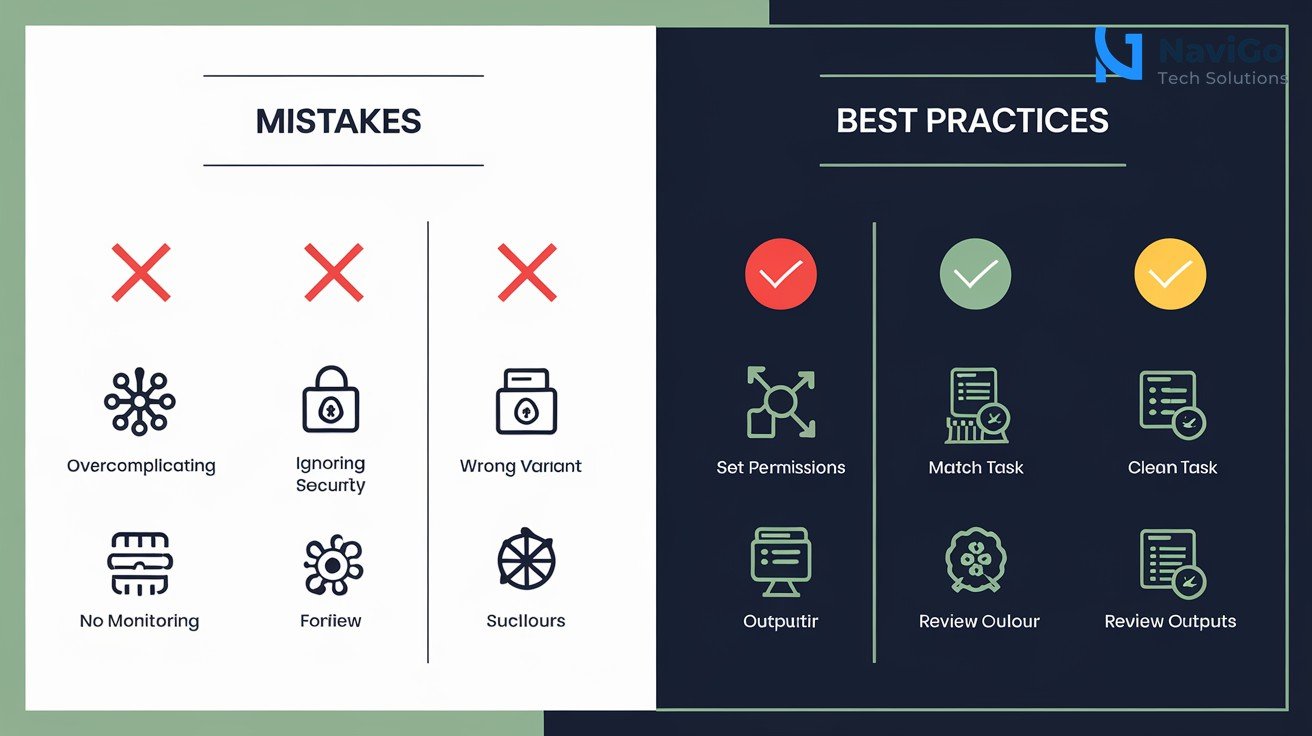
Overcomplicating the Initial Setup
Many business owners try to automate everything at once. This leads to confusion and poor results. Start with one simple task. For example, automate your daily email responses first. Once that works reliably, move to more complex tasks like inventory management. Keep your initial scope small to ensure success.
Ignoring Data Security
ChatGPT Work integrates with your business tools, which means it accesses sensitive data. Make sure you configure access permissions correctly. Only connect the tools and files that the agent absolutely needs. Review your data privacy settings regularly. If you handle customer data, comply with India’s IT Act and any applicable data protection laws.
Choosing the Wrong Variant
The Luna variant is cheap but may not handle complex tasks accurately. The Sol variant is powerful but costs more. Match the variant to your task. For routine automations like email sorting or basic reporting, Luna is sufficient. For tasks requiring deep analysis, use Sol. You can check our GPT-5.2 explained for business coding and productivity guide for more context on model capabilities.
Not Monitoring Outputs
AI models are not perfect. They can make mistakes, especially early in deployment. Review the outputs of your agents daily for the first week. Look for errors in data, formatting, or logic. As the agent learns your patterns, accuracy improves. Do not leave automation running unsupervised until you are confident in its performance.
GPT-5.6 Pricing Variants Comparison
Choosing the right pricing variant is critical for keeping costs low. The table below compares the three variants across key parameters. Use it to decide which one fits your business needs and budget.
| Variant | Input Cost (per 1M tokens) | Best For | Example Use Case |
|---|---|---|---|
| Luna | $1 | Simple, fast tasks | Email sorting, basic reporting |
| Terra | $2.50 | Moderate complexity | Customer support summarisation |
| Sol | $5 | Advanced reasoning | Financial modelling, custom code |
| Terra | $2.50 | Medium datasets | Inventory analysis, trend spotting |
| Luna | $1 | Real-time interactions | Chatbots, quick data lookups |
| Sol | $5 | Complex workflows | Multi-step report generation |
For most Indian small businesses, Terra offers the best balance of cost and capability. If you are just starting with automation, begin with Luna and upgrade as your needs grow. To learn more about how AI can transform your marketing efforts, read our guide on social media SEO in 2026 and see how automation fits into your broader strategy.
Not sure which tool fits your business?
Our team at NaviGo Tech Solutions will set it up for you — free 30-minute strategy call.