- Understand the three GPT-5.6 models — Sol, Terra and Luna — and pick the right one
- Identify the three highest-ROI automation areas for Indian SMEs
- Follow a clear 5-step plan to launch your first automation in 2 to 4 weeks
- Avoid pitfalls that waste time and money
What Is OpenAI GPT-5.6 And How It Works
OpenAI previewed GPT-5.6 on 26 June 2026. It is not a single model. It is a family of three models, each built for a different purpose. The three tiers are Sol, Terra and Luna. Each model can evolve separately, which means you pick the one that fits your workload and budget.
Sol is the most powerful. It scores 91.9% on Terminal-Bench 2.1 for long-horizon coding tasks. Use Sol for complex reasoning, deep data analysis and advanced agentic workflows. Terra is the balanced option. It performs nearly as well as the older GPT-5.5 but costs roughly half the price. Luna is for high-volume, low-cost tasks like summarising customer chats or routing messages.
The context window is now 1.4 to 1.5 million tokens. That is a 40% increase over GPT-5.5. It means your automation can handle much larger documents, longer email threads or entire product catalogues in one go. For pricing, Sol input costs $5 per million tokens and output $30. Terra costs $2.50 input and $15 output. Luna is the cheapest at $1 input and $6 output.
For most Indian SMEs, Terra is the sweet spot. It gives you strong performance at a cost that makes sense for high-volume automation. And if your needs grow, you can move up to Sol without rebuilding your setup. To get started with the right strategy, consider our AI strategy consulting services.
Why Indian SMEs Must Automate With GPT-5.6 In 2026
Customer Communication Is Your Biggest Time Drain
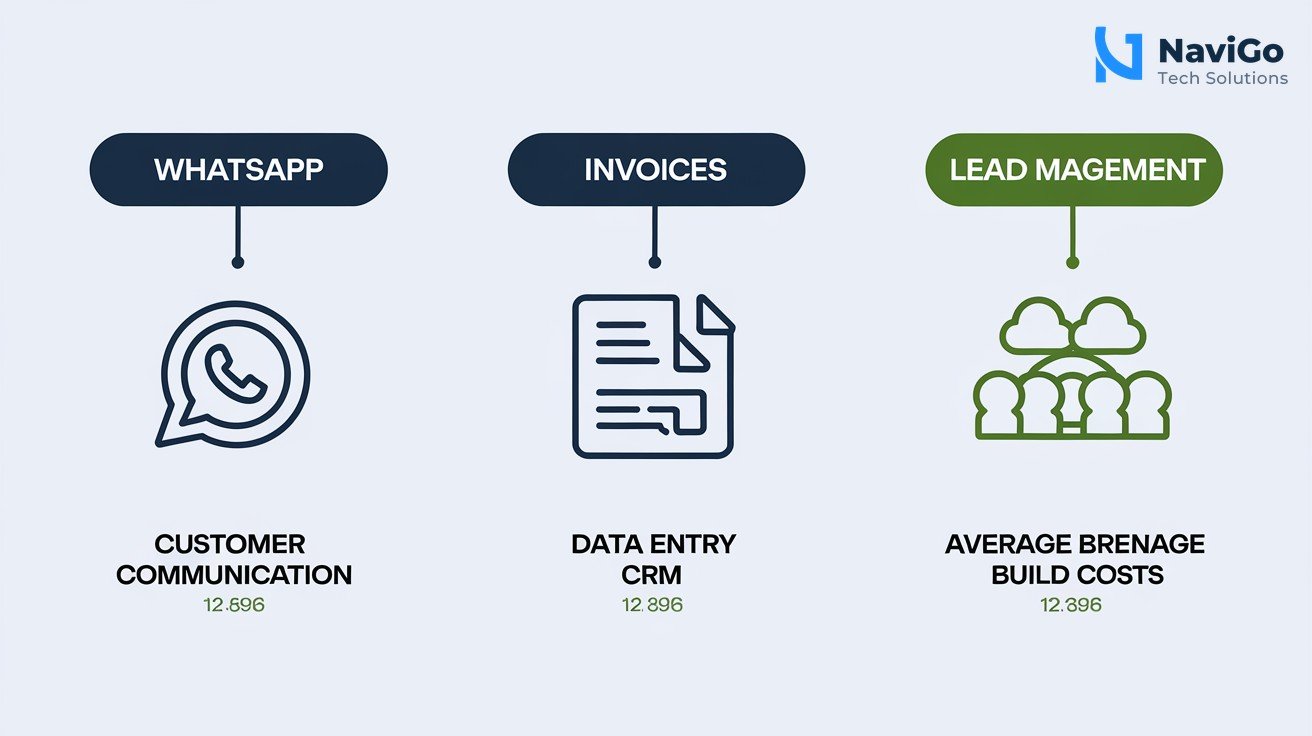
Indian SMEs receive dozens of WhatsApp messages and emails every day. Many are repetitive questions about pricing, delivery time or product availability. GPT-5.6 Luna can handle these automatically. A simple auto-response system costs between $300 and $600 to build and just $10 to $20 per month to run. Your team stops typing the same reply ten times a day.
Data Entry And Invoice Processing Waste Staff Hours
Manual data entry for invoices and purchase orders consumes 2 to 5 hours per day in many SMEs. GPT-5.6 Terra can read invoices, extract key fields and push them into your accounting software. Building this automation costs $1,000 to $2,500. The saving of staff time pays for itself within a few months.
Lead Management Becomes Predictable And Fast
Qualifying leads, updating your CRM and sending follow-up messages is tedious but critical. GPT-5.6 can take a lead from a website form, enrich it with basic company data and assign it to the right sales person. The build cost is $500 to $1,500. Most Indian SMEs see ROI in 6 to 8 weeks.
These three areas alone cover 80% of the automation potential for a typical small business. Once you prove ROI on one process, you can expand to others. Our AI agents and bots service can help you build these workflows quickly.
Step-by-Step Guide To Automate Your Indian SME With GPT-5.6
- Step 1: Pick one process to automate. Start with the area that consumes the most staff time. For most SMEs that is customer queries on WhatsApp. Focus on one process only. Trying to automate everything at once leads to confusion and wasted money.
- Step 2: Map the current workflow. Write down each step. Where does the query come in? What information does your team need to answer it? How do they record the response? This map becomes the blueprint for your automation.
- Step 3: Choose the right GPT-5.6 model. For WhatsApp auto-responses, Luna is enough. For invoice processing with complex formats, use Terra. For deep reasoning like analysing customer complaints, use Sol. Your choice affects cost and speed.
- Step 4: Build a prototype quickly. Use OpenAI’s API or a no-code platform. Most automations can be built within 2 to 4 weeks. Test with a small set of real data. Fix any errors before scaling up.
- Step 5: Measure ROI and expand. Track hours saved, response time improved and customer satisfaction scores. Once you see positive ROI, automate the next process. This phased approach keeps risks low and returns high.
Common Automation Mistakes Indian Business Owners Make
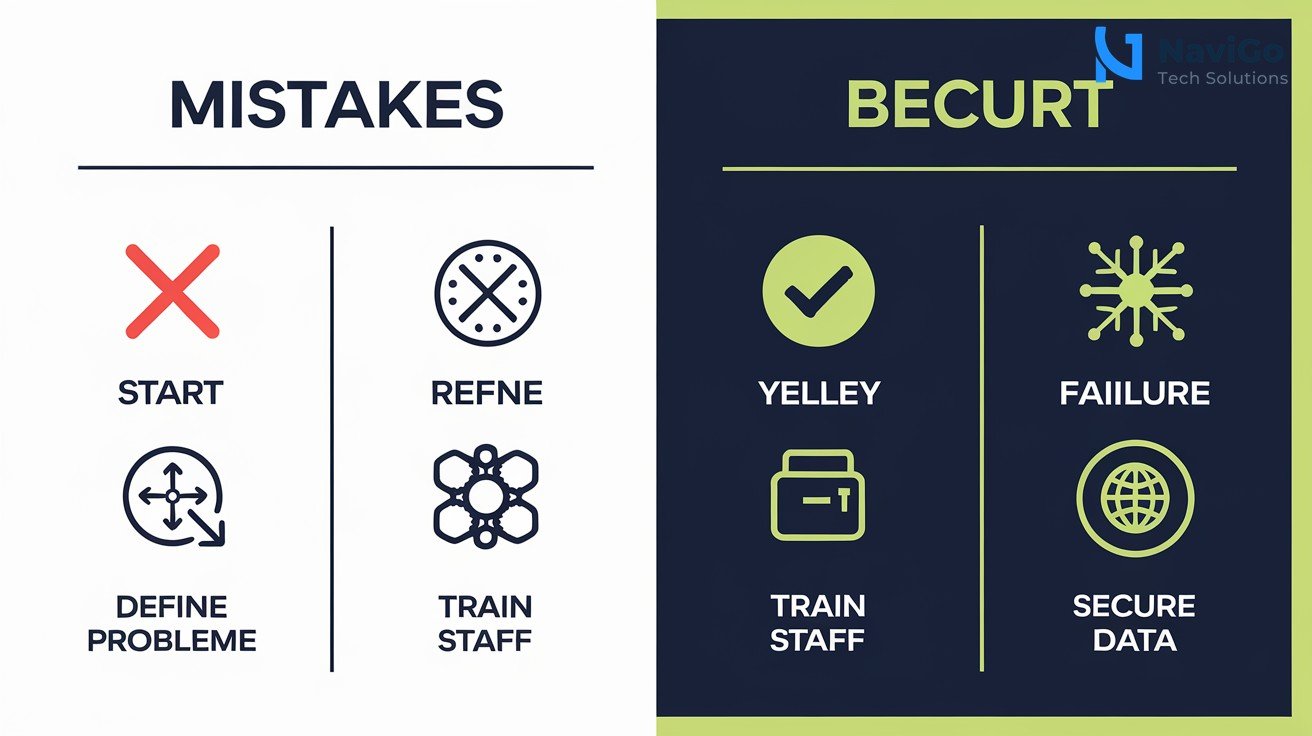
Mistake 1: Automating Everything At Once
Many business owners try to automate customer support, invoicing and lead management simultaneously. This is the fastest way to create chaos. Start with one process, prove it works and then move to the next. Patience pays off.
Mistake 2: Choosing A Tool Before Defining The Problem
It is easy to get excited about GPT-5.6 and buy the most expensive model. But if your problem is simple WhatsApp queries, Luna is enough. Define the problem first, then pick the tool. This saves both time and money.
Mistake 3: Neglecting Staff Training
Automation works only when your team knows how to use it. Spend time training staff on how to review AI outputs, override decisions when needed and escalate complex issues. Without training, adoption fails and employees resist the new system.
Mistake 4: Ignoring Data Security
When you automate invoice processing or lead management, sensitive customer data flows through the system. Ensure you use encrypted connections and limit access to authorised personnel. A breach can damage your reputation badly.
GPT-5.6 Pricing Comparison And ROI For Indian SMEs
Choosing the right model depends on your workload and budget. The table below compares the three GPT-5.6 models across key factors that matter to small business owners in India. Use it as a quick reference before making your decision.
| Model | Best For | Input Cost (per million tokens) | Output Cost (per million tokens) |
|---|---|---|---|
| Sol | Complex reasoning, deep analysis, agentic workflows | $5.00 | $30.00 |
| Terra | High-volume business tasks, invoice processing | $2.50 | $15.00 |
| Luna | Routine automation, summarisation, WhatsApp replies | $1.00 | $6.00 |
| Terra vs GPT-5.5 | Similar performance at half the cost | 2x cheaper | 2x cheaper |
| Sol Ultra | Ultra-deep reasoning, coding | Premium | Premium |
| Luna (recommended) | First automation for most SMEs | Lowest | Lowest |
For most Indian SMEs, starting with Luna for a specific process like WhatsApp auto-response is the smartest move. Once you see results, upgrade to Terra for more complex tasks. Sol is only needed if your automation requires advanced reasoning. Reach out to NaviGo Tech Solutions for a custom automation plan tailored to your business.
Not sure which tool fits your business?
Our team at NaviGo Tech Solutions will set it up for you — free 30-minute strategy call.